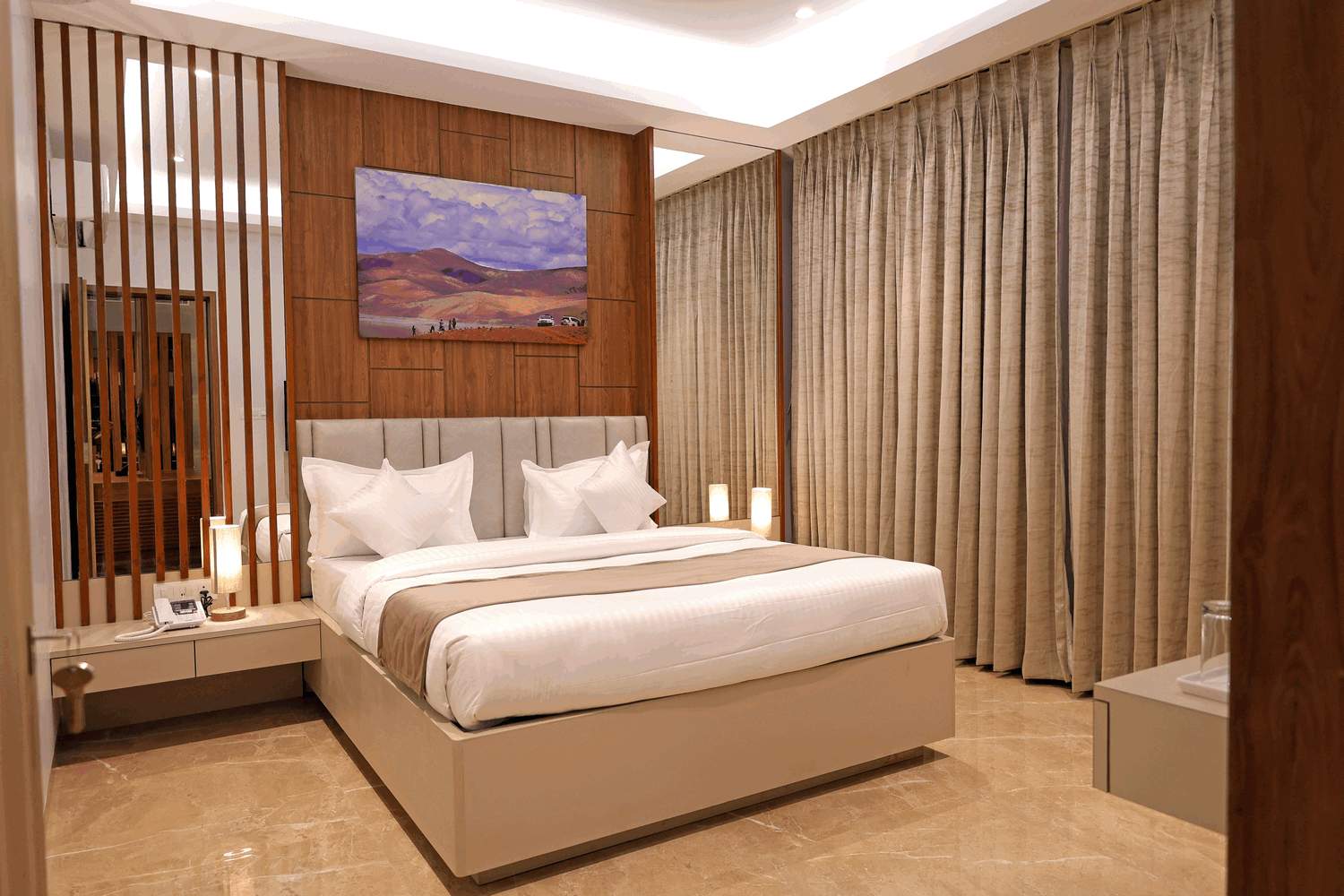
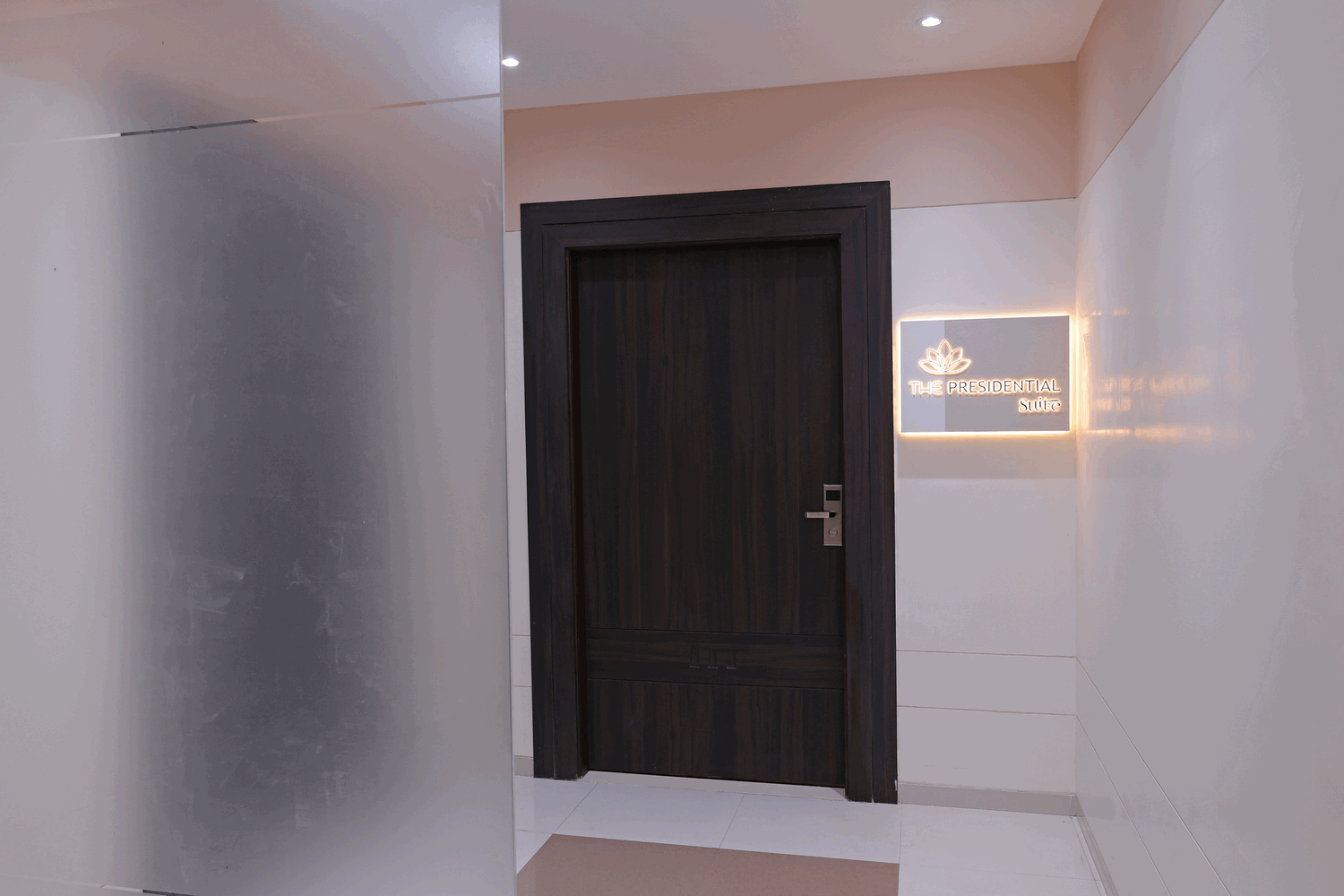
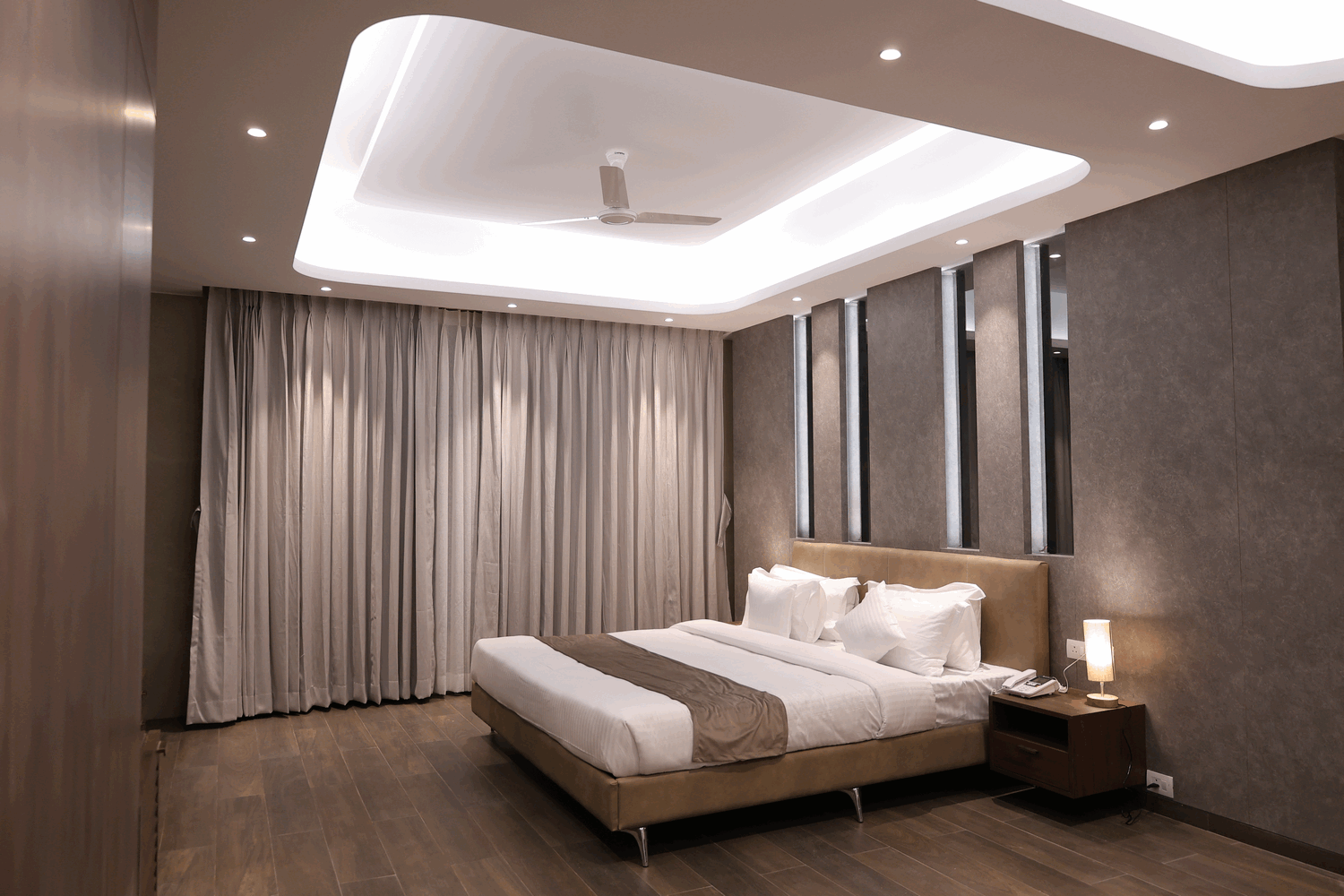
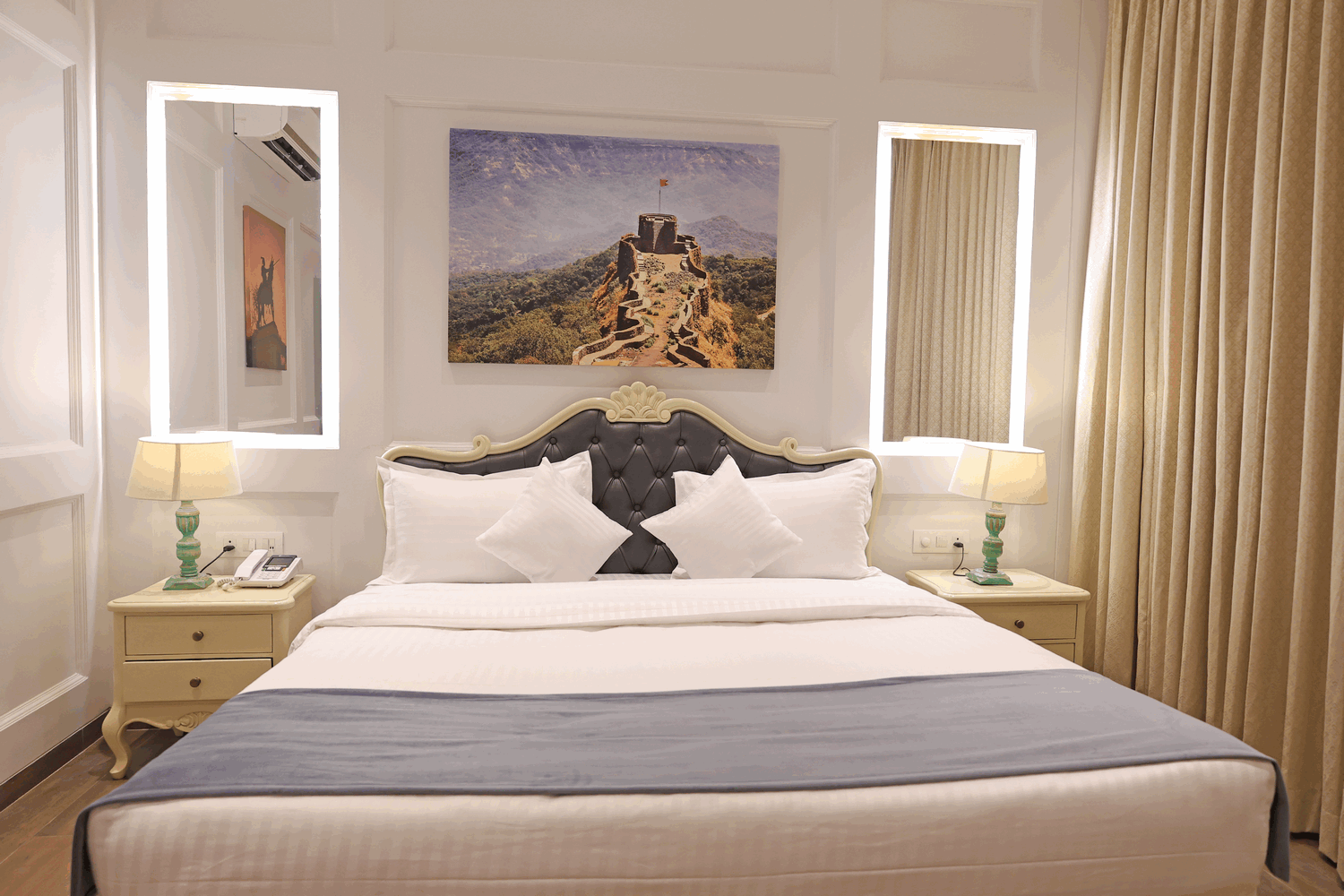
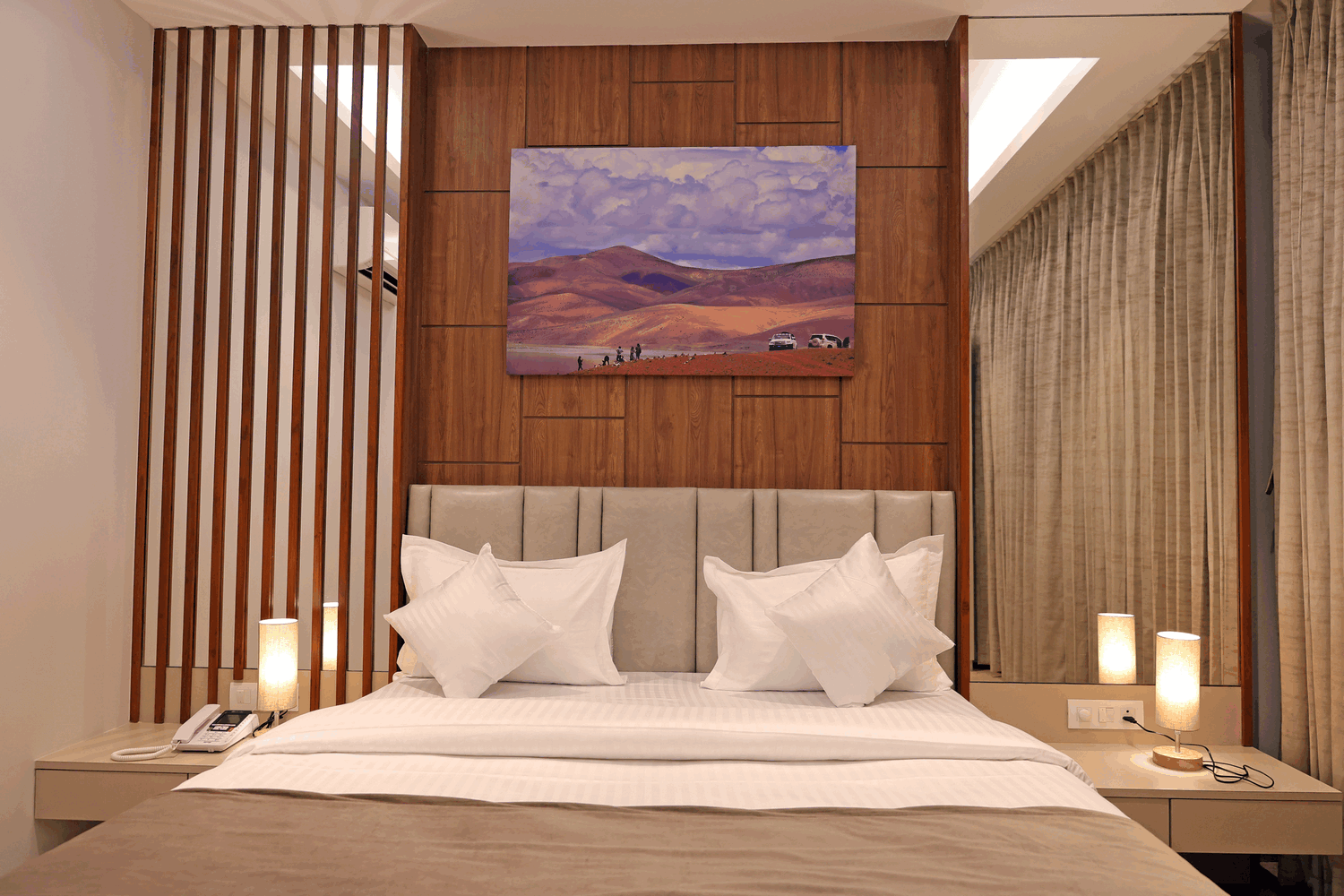
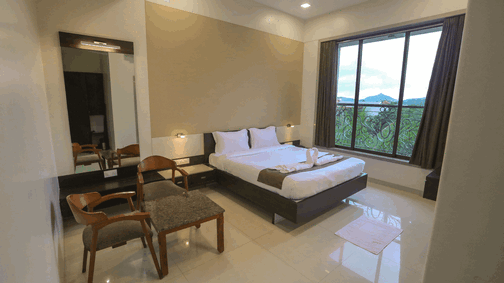
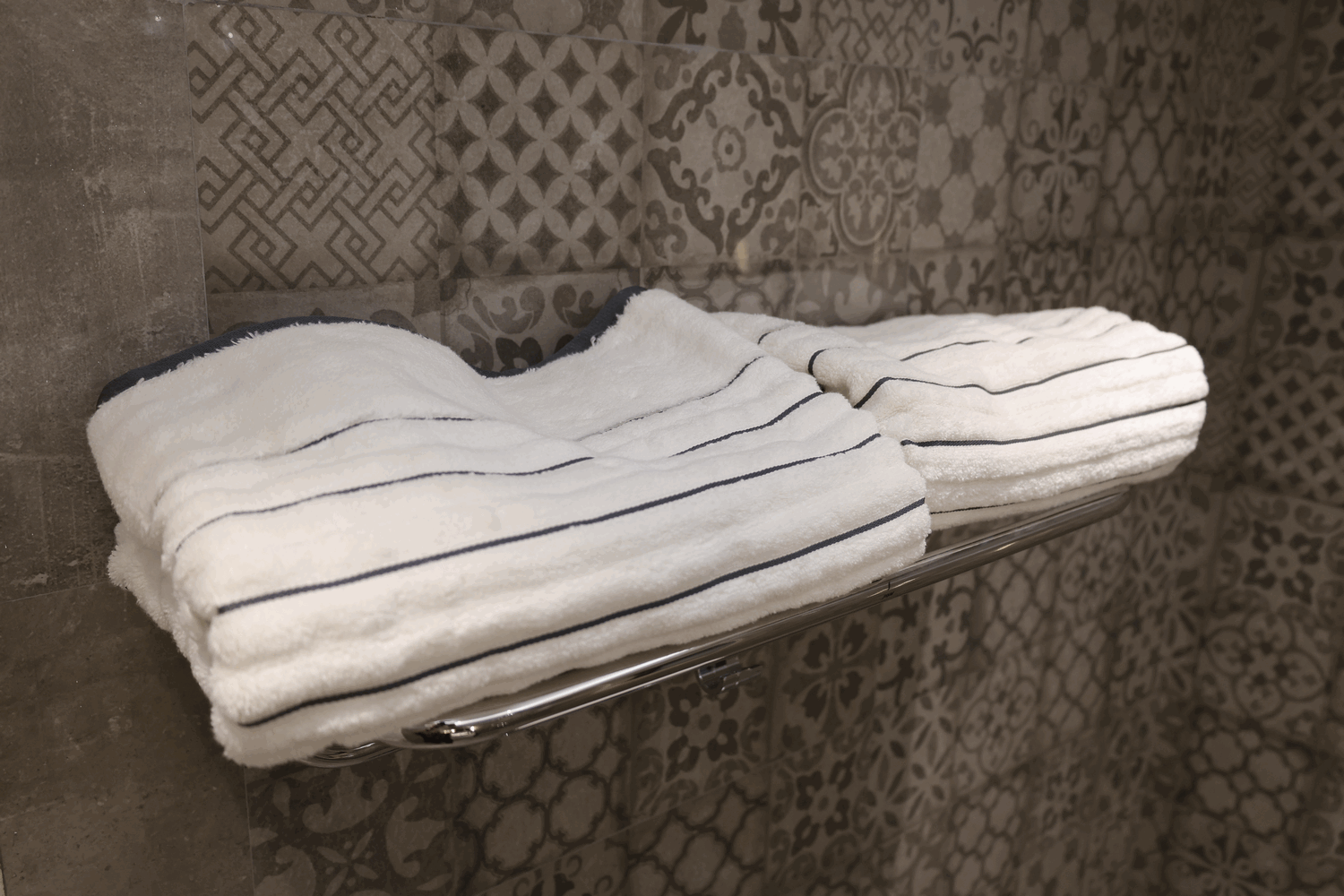
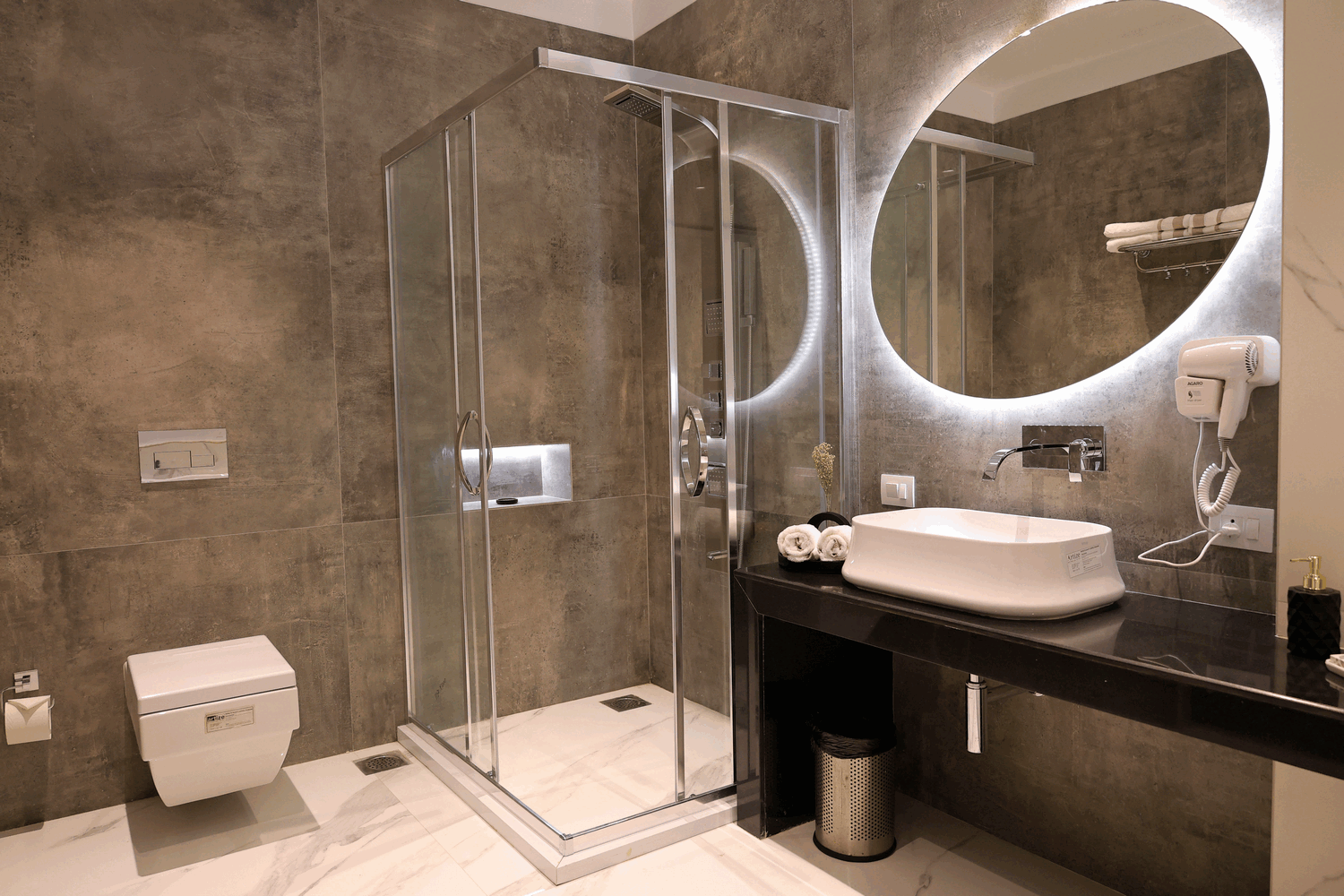
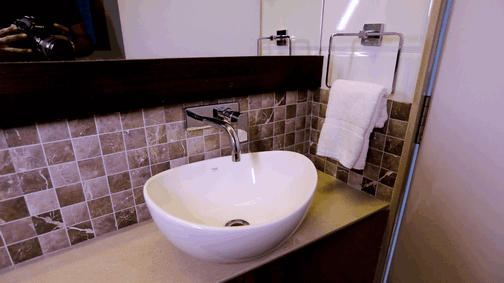
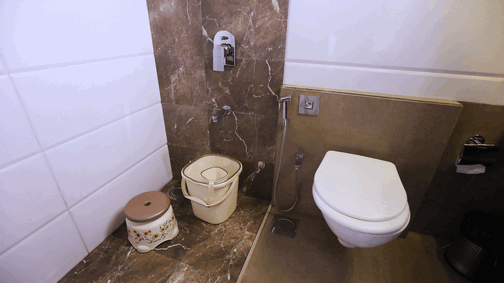
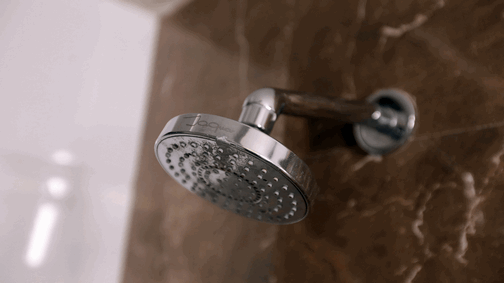
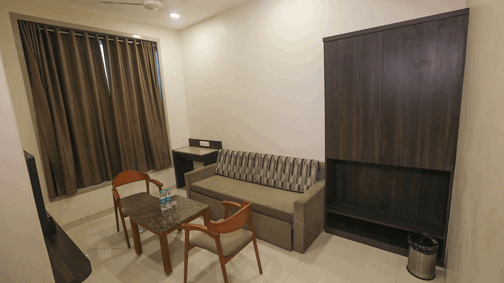
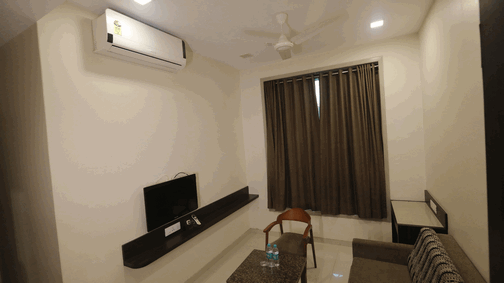
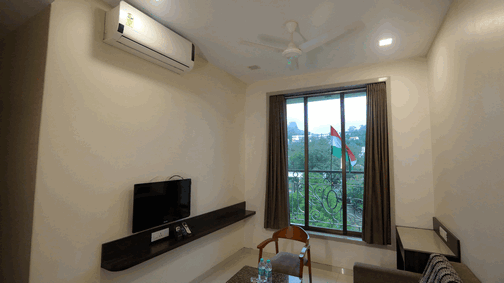
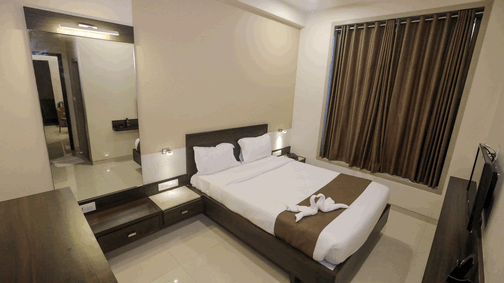
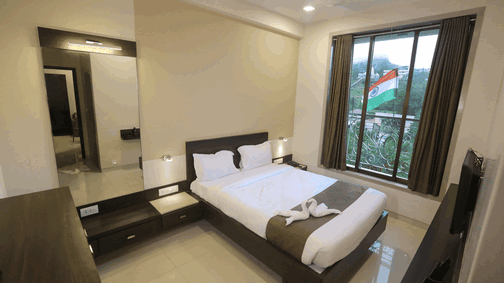
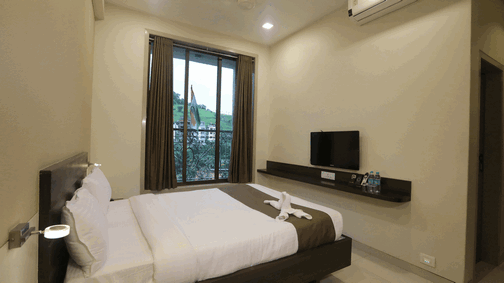
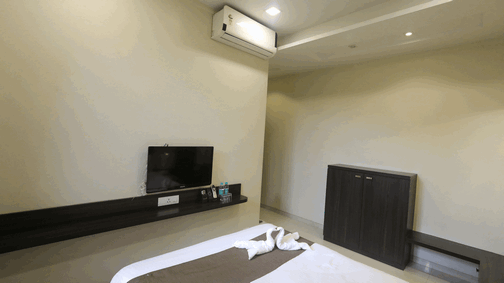
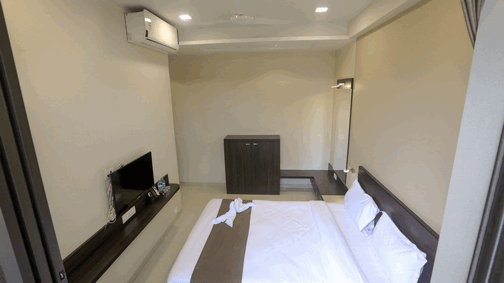
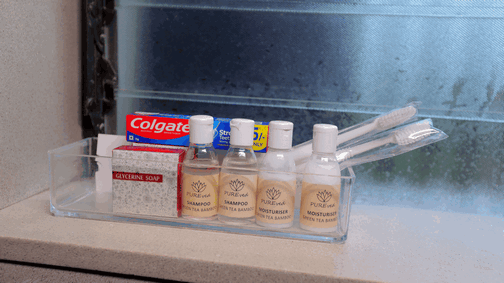
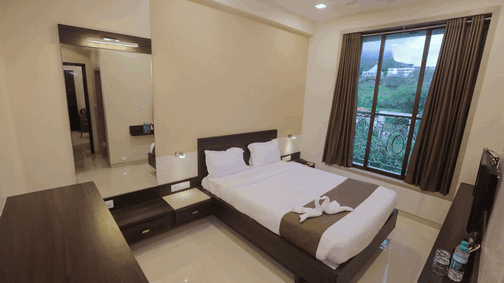
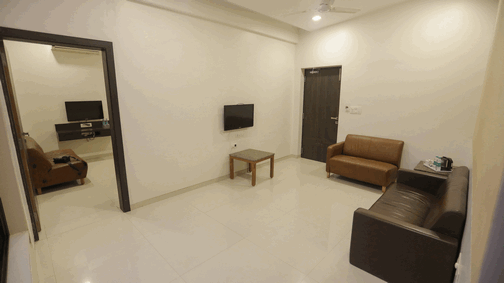
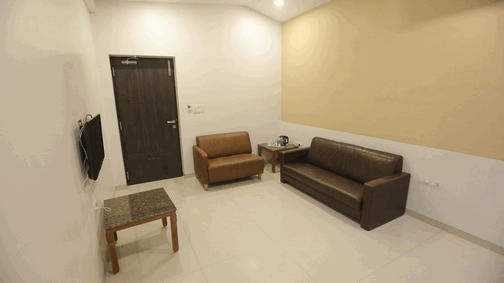
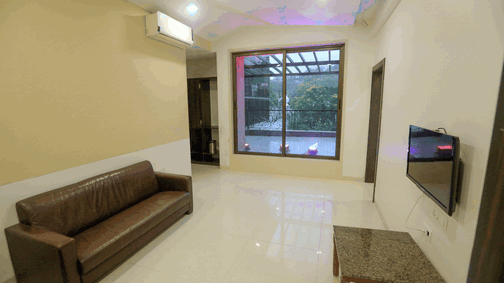
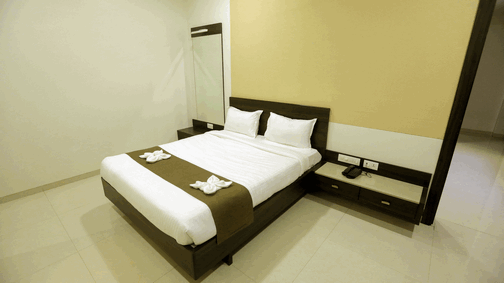
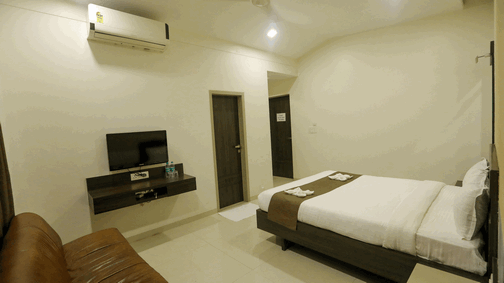
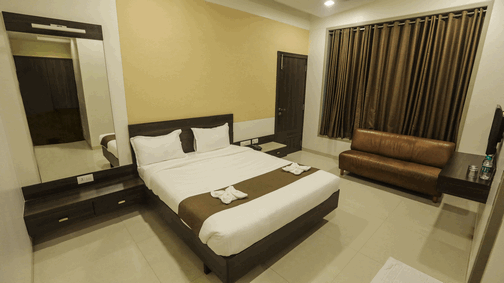
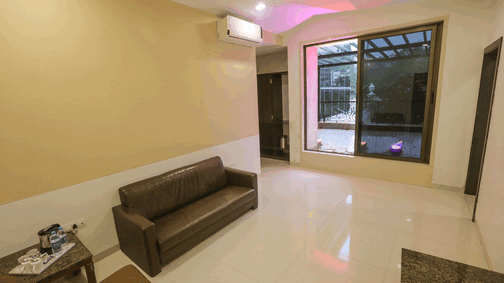
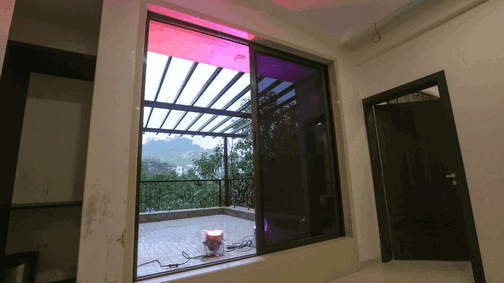
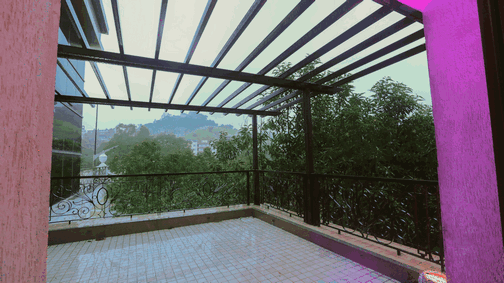
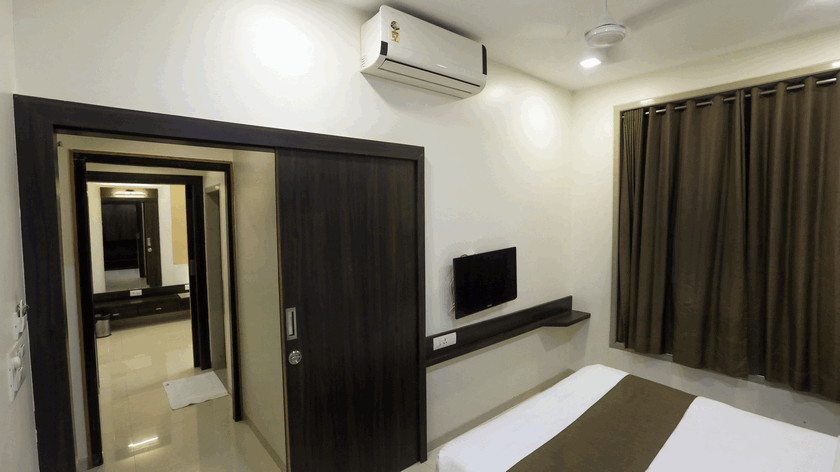
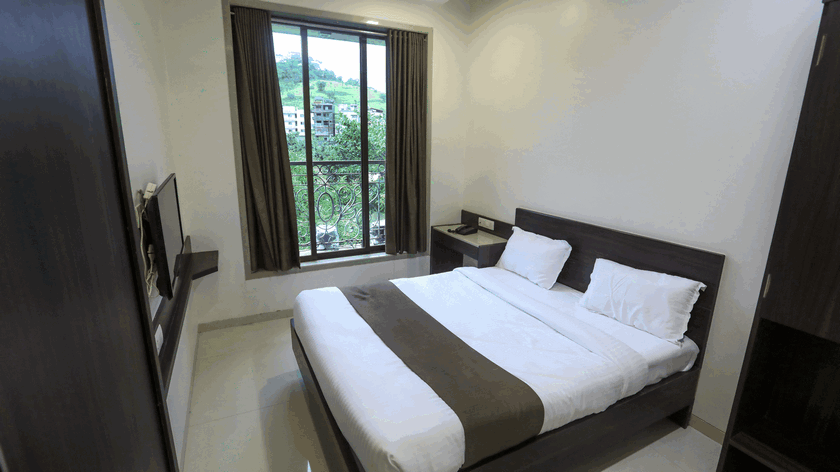
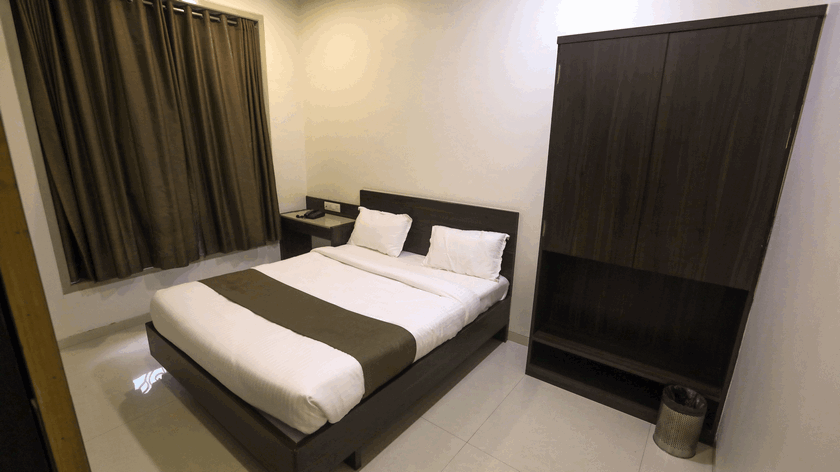
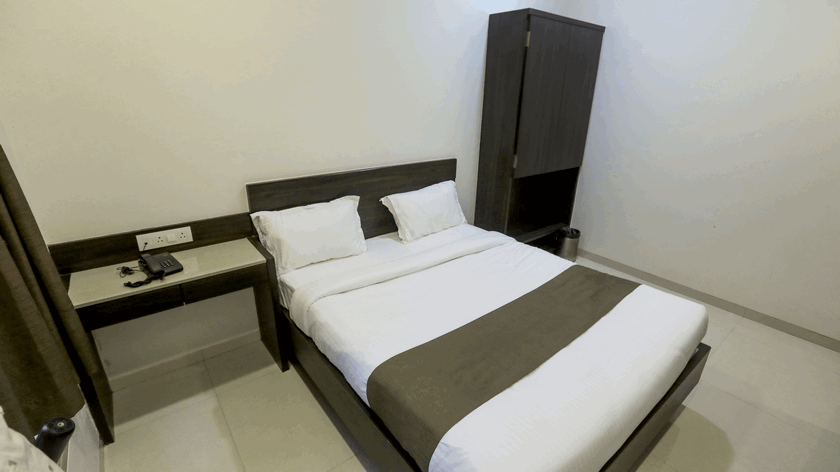
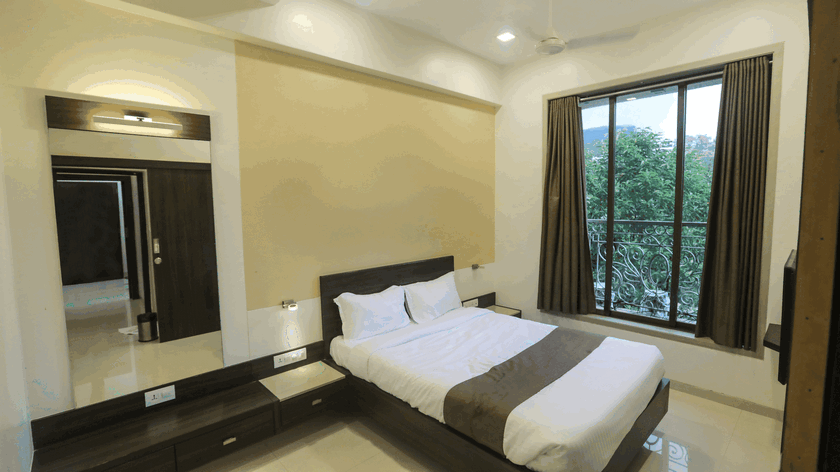
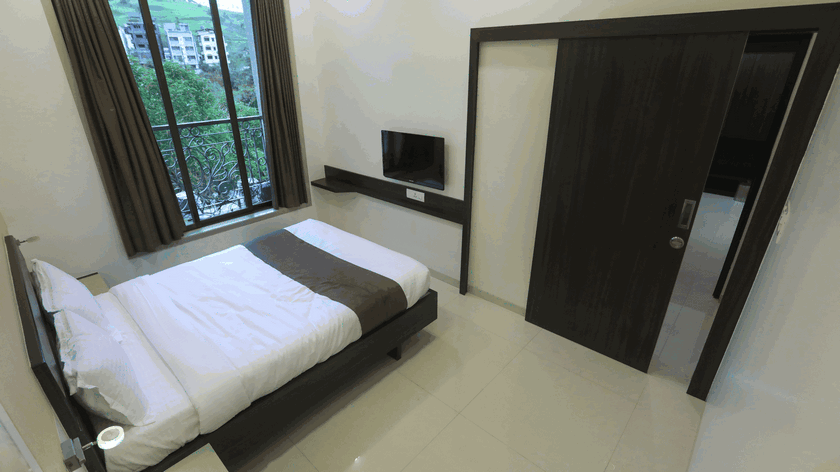
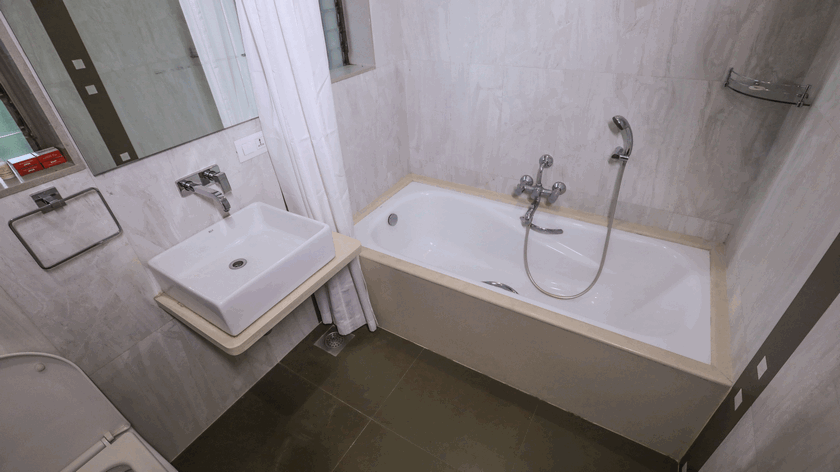
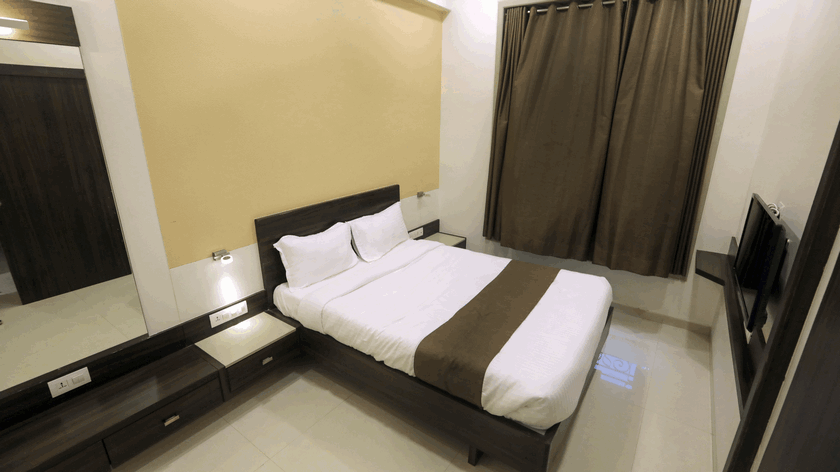
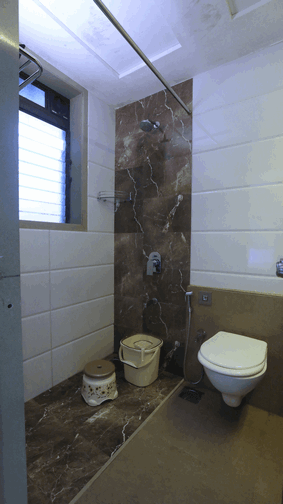
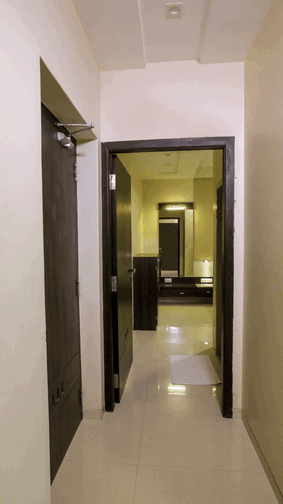
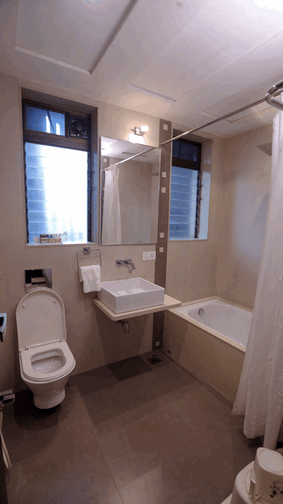
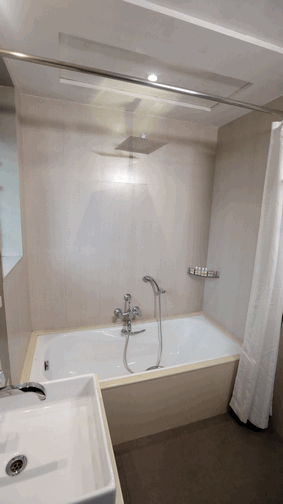
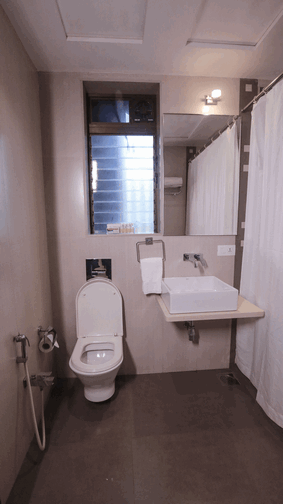
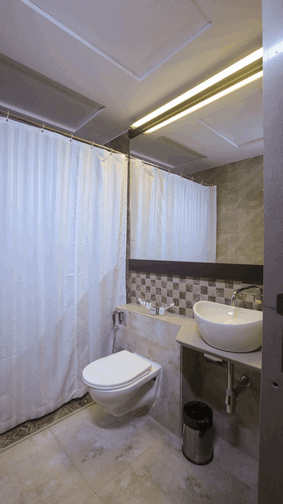
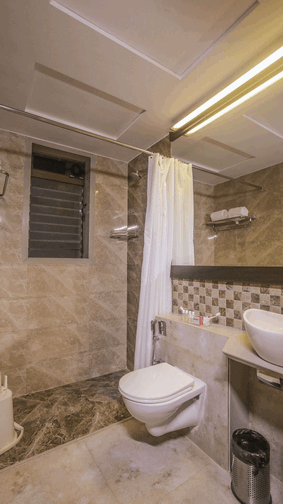
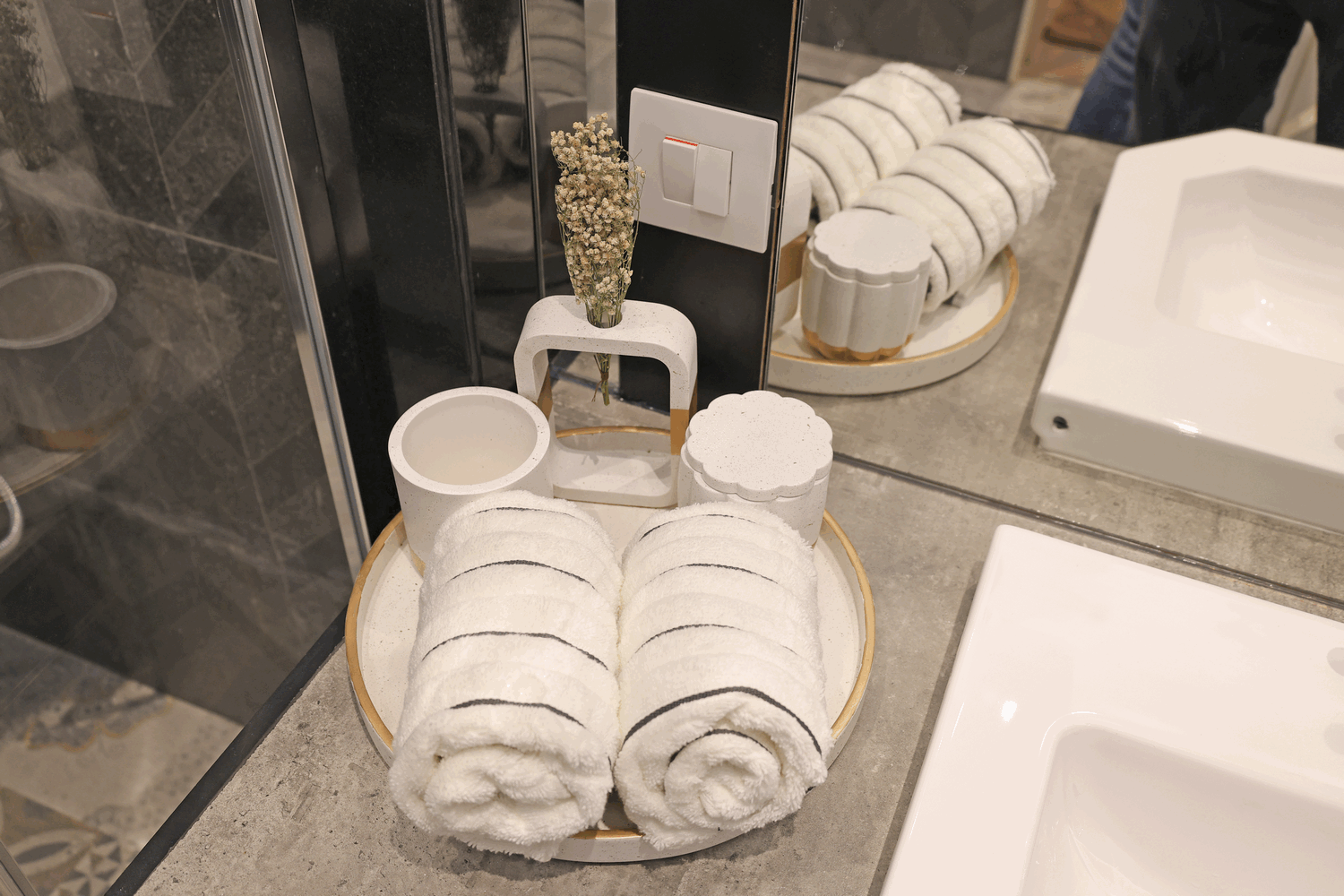
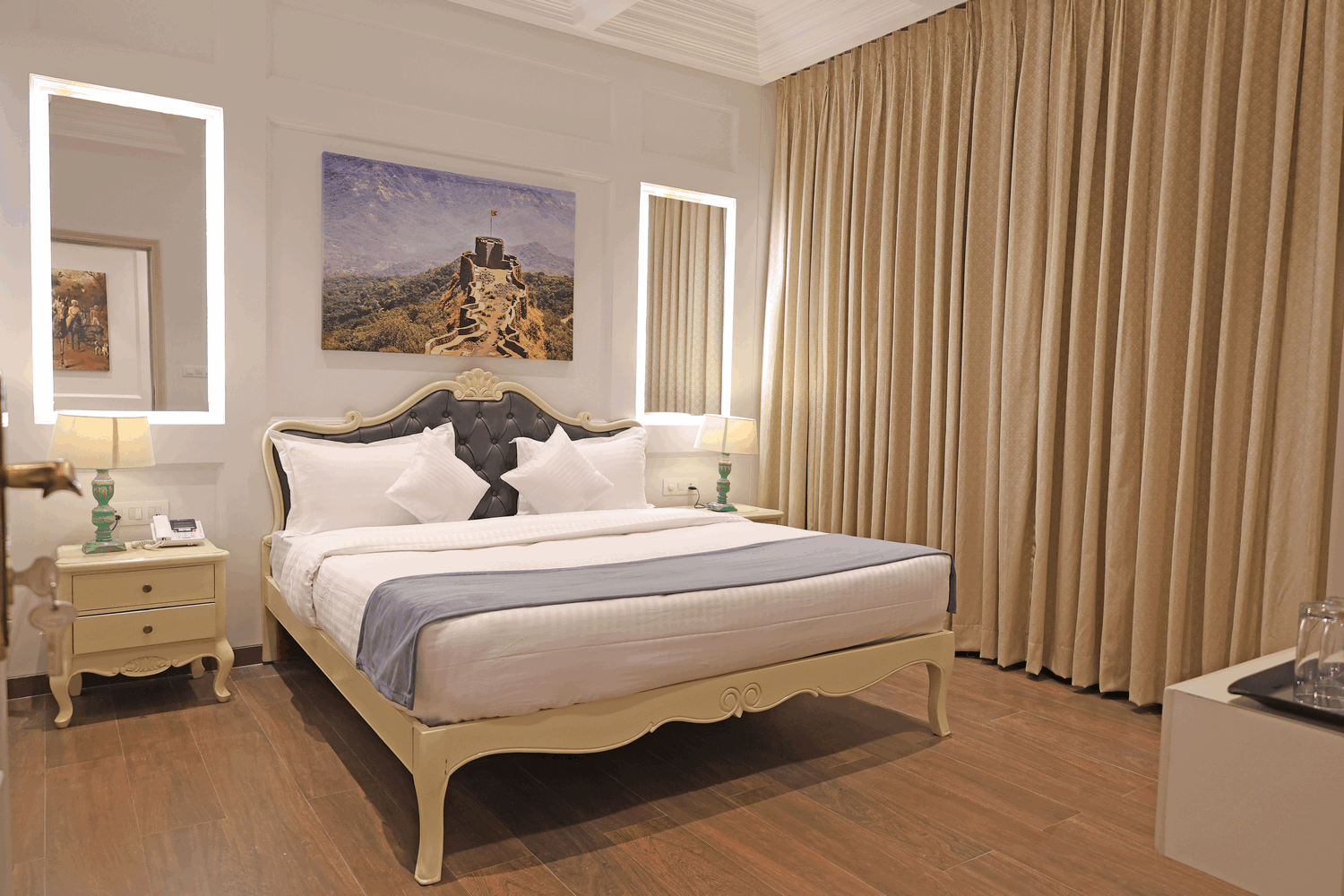
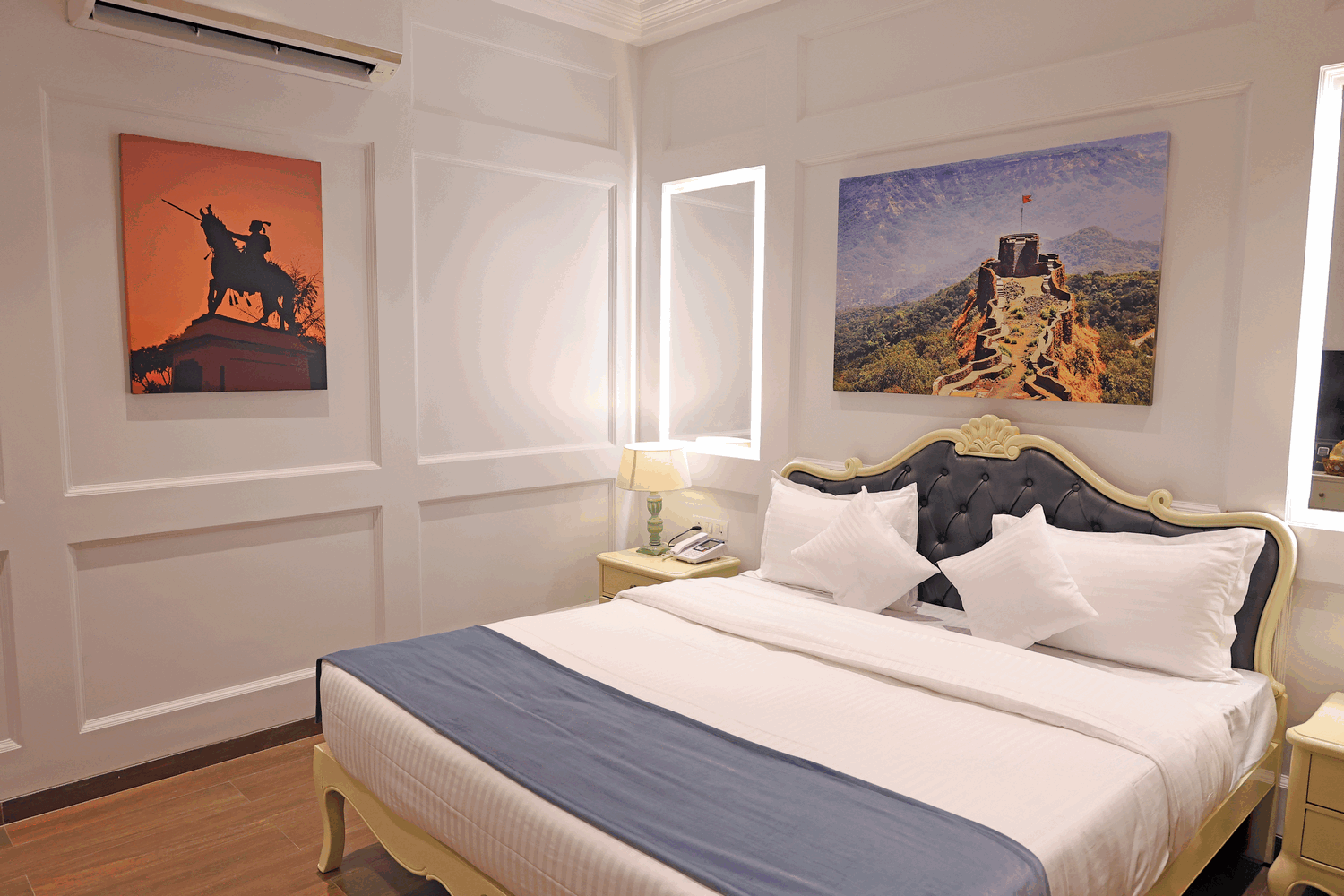
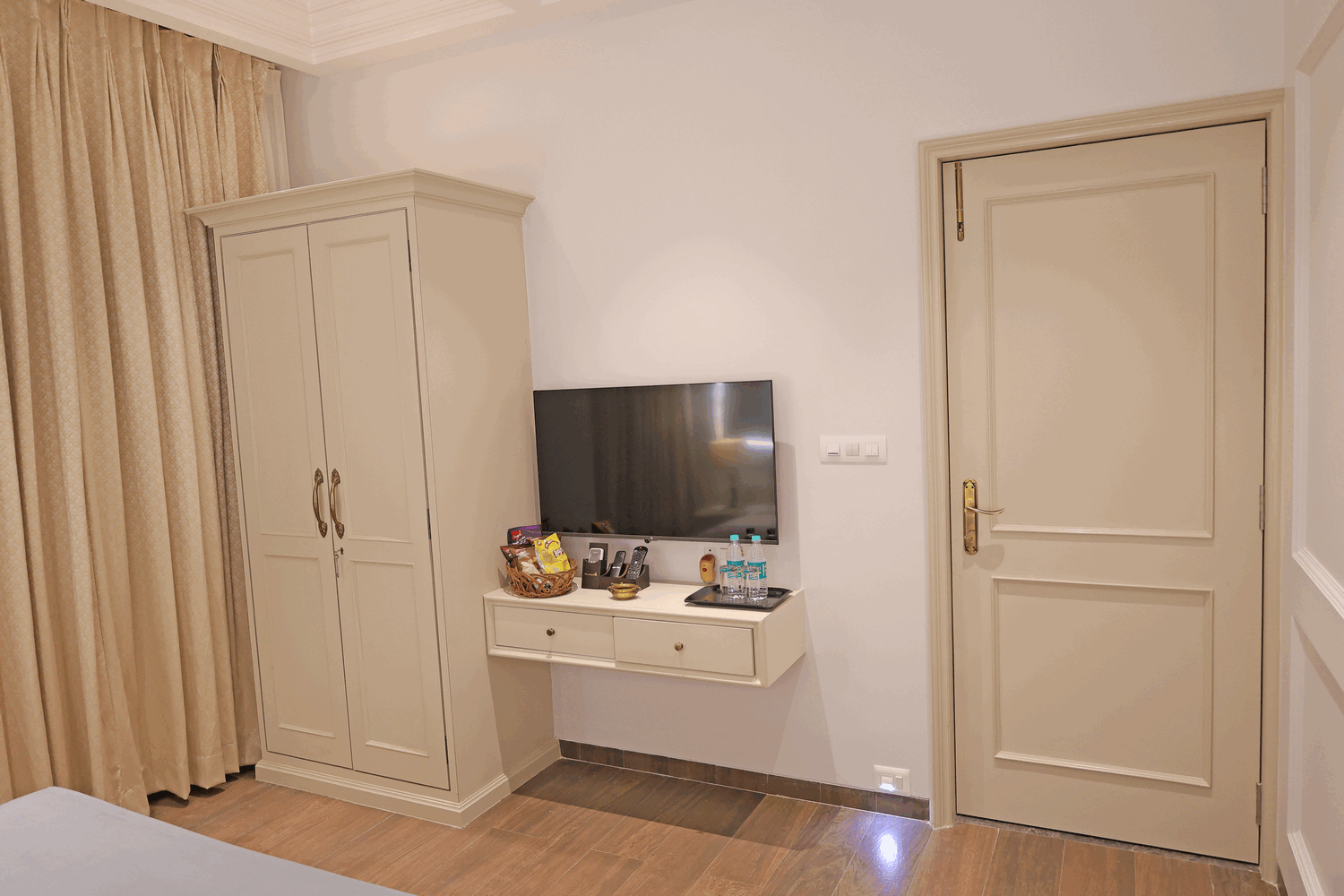
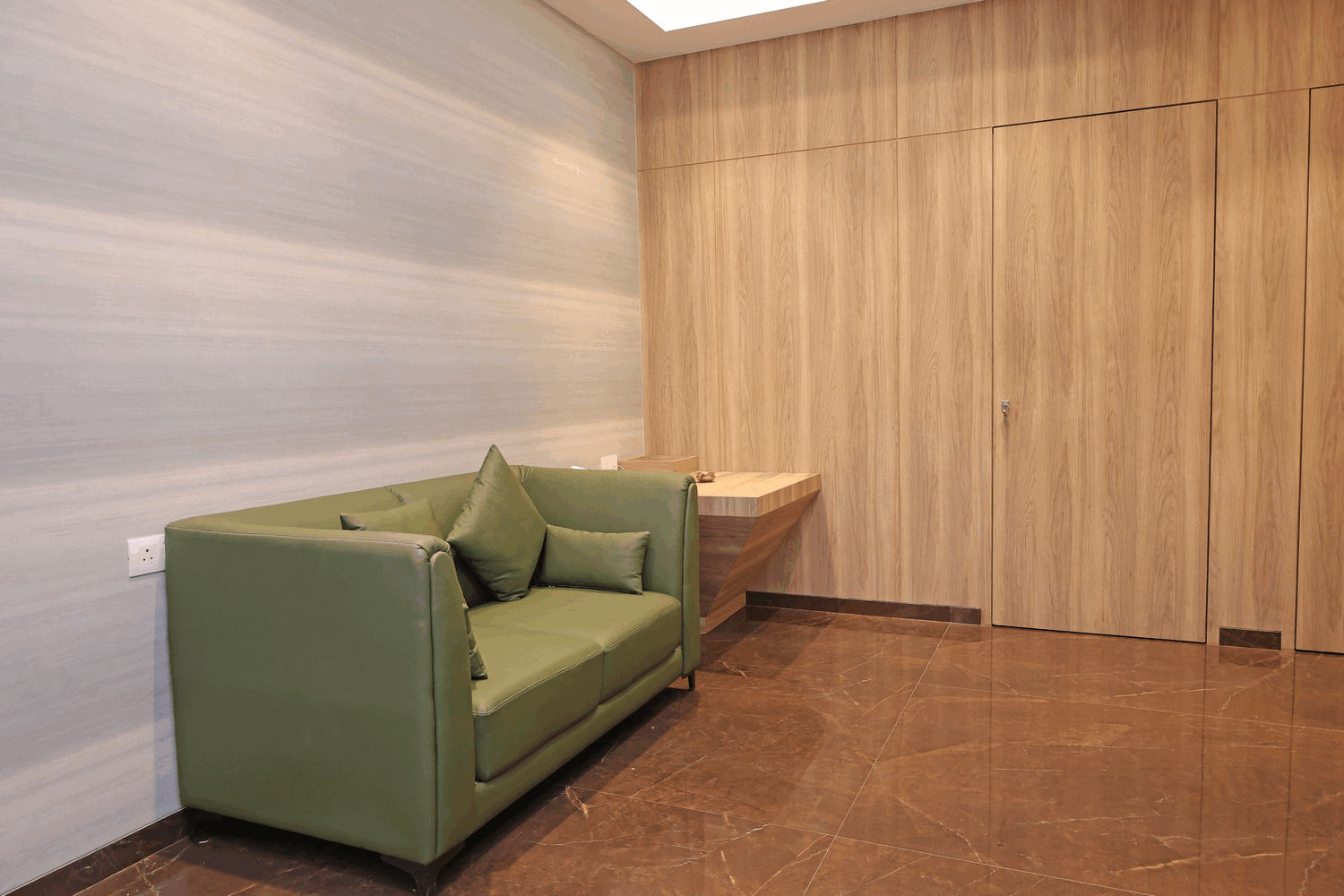
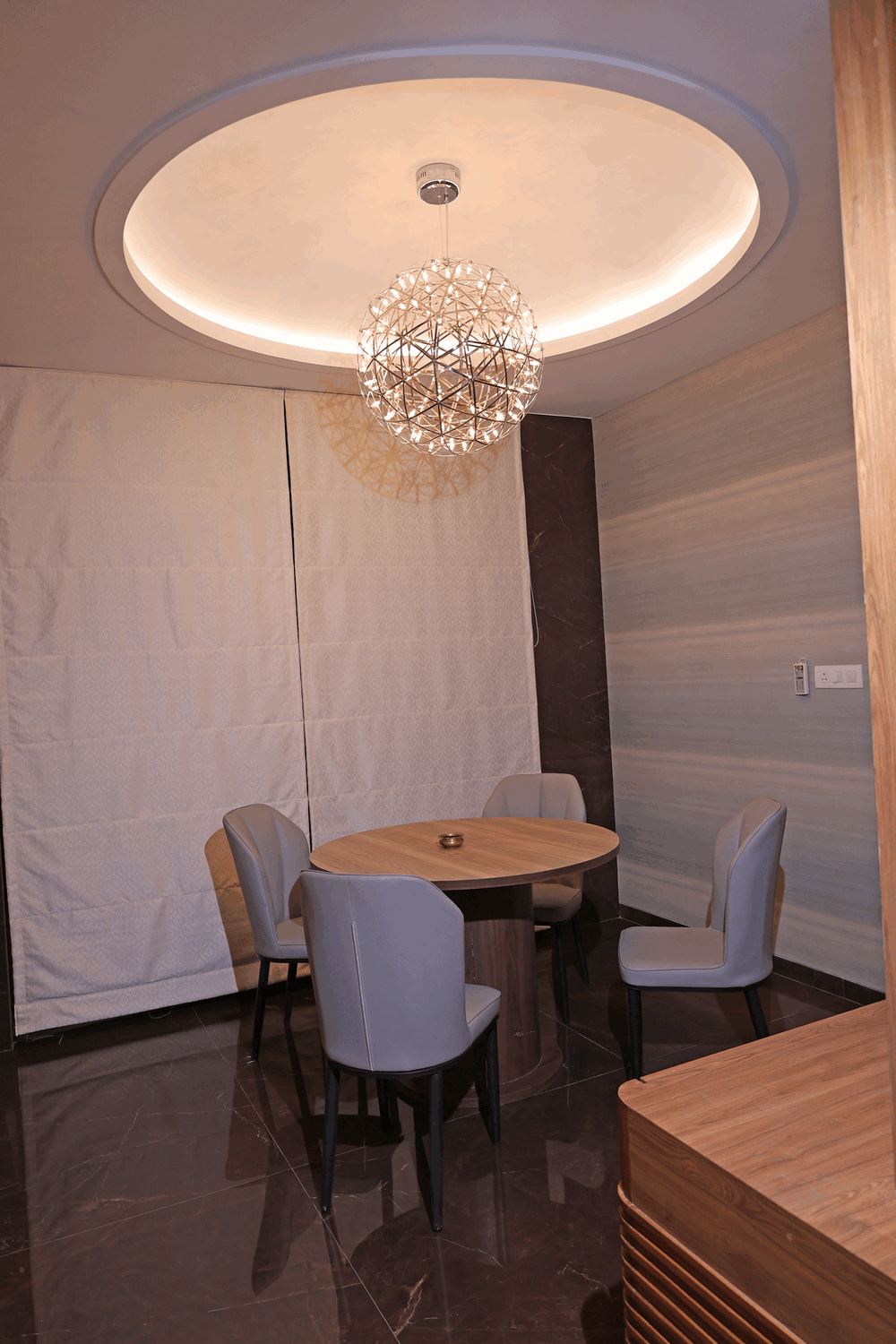
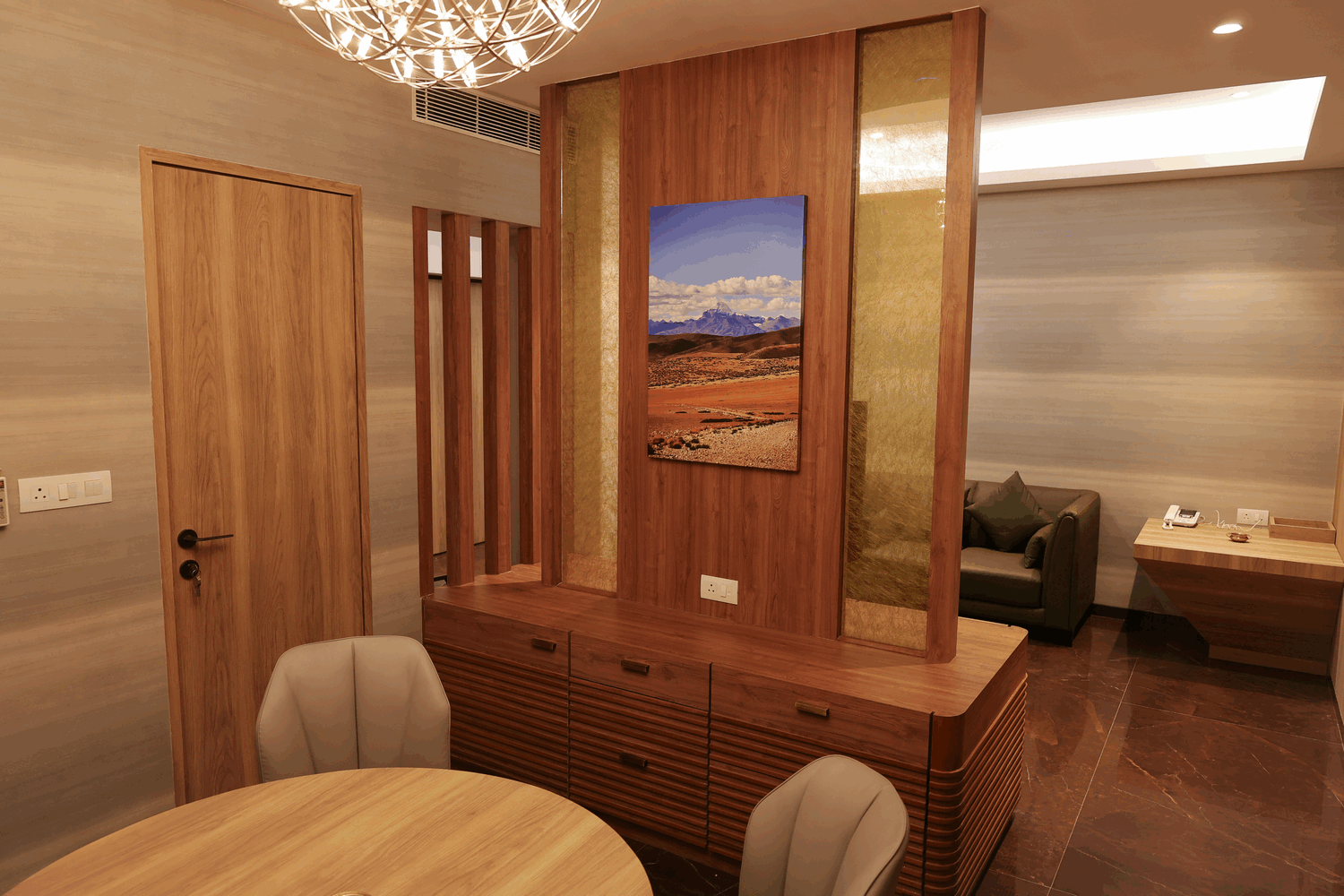
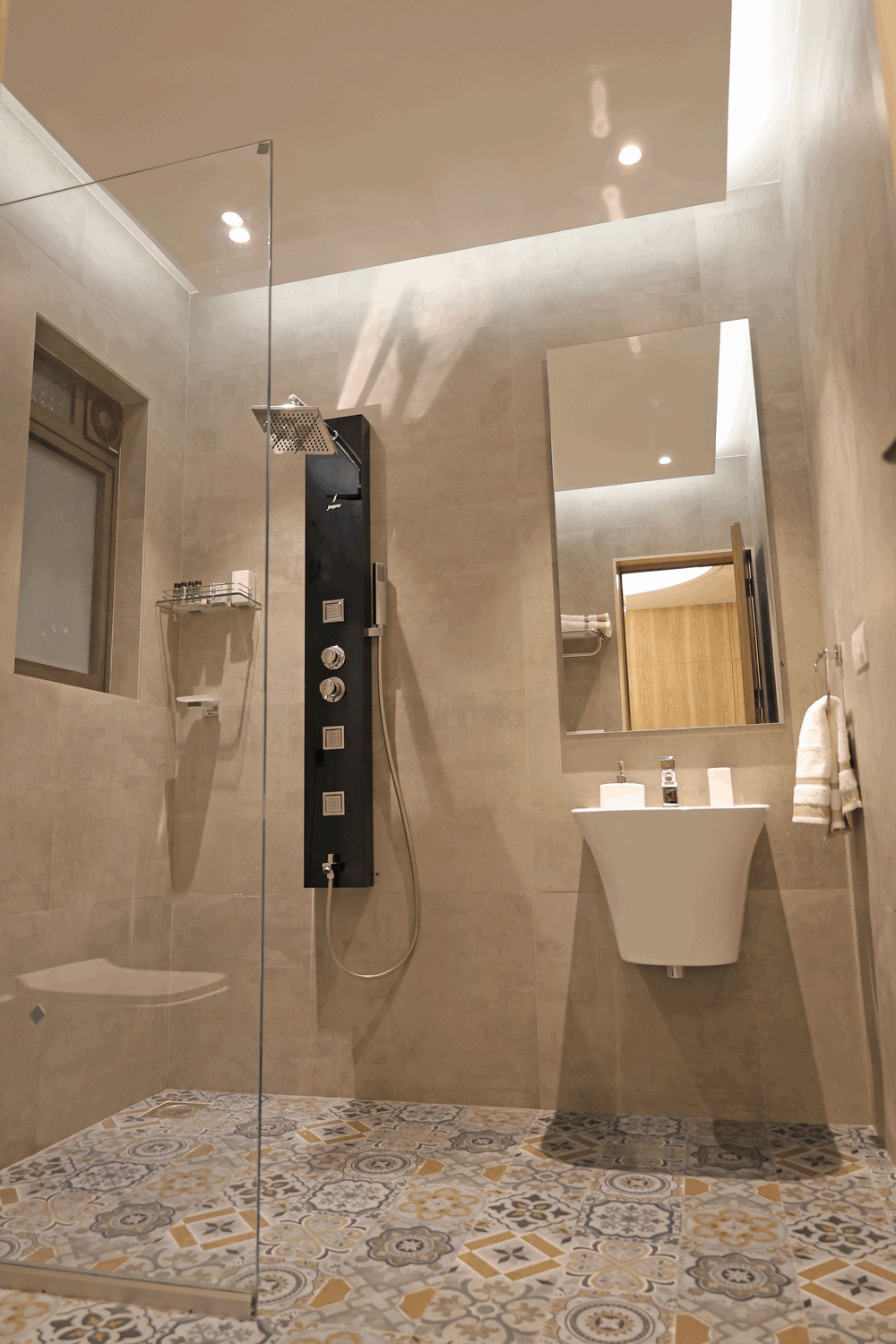
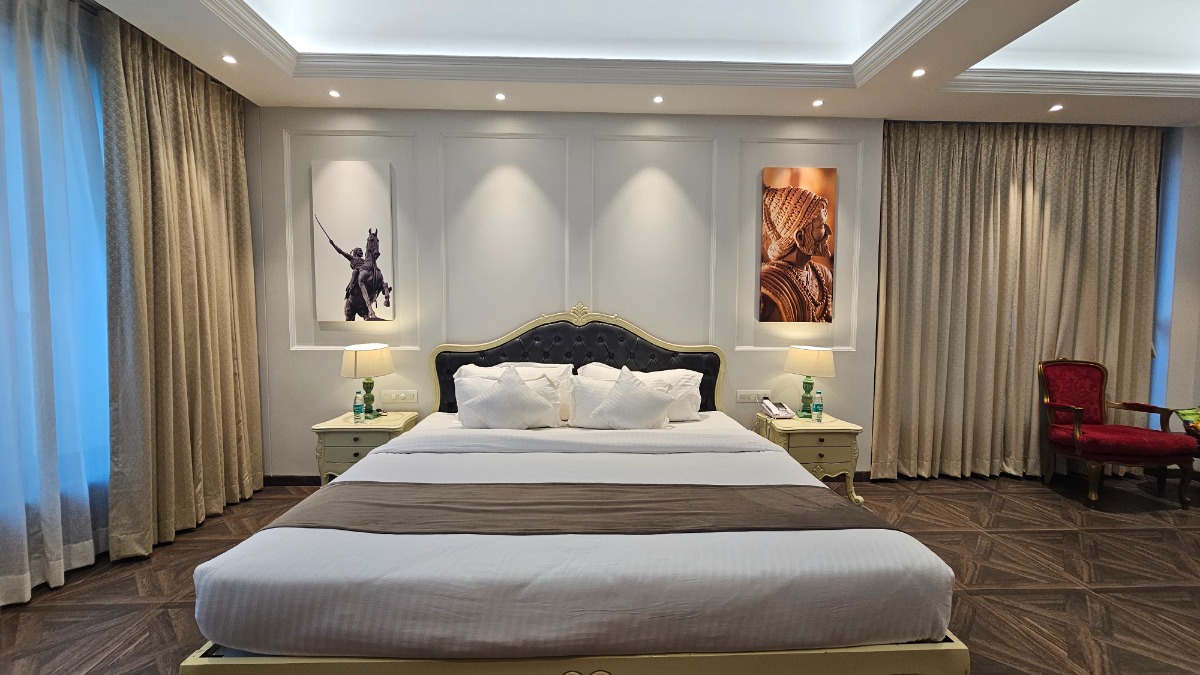
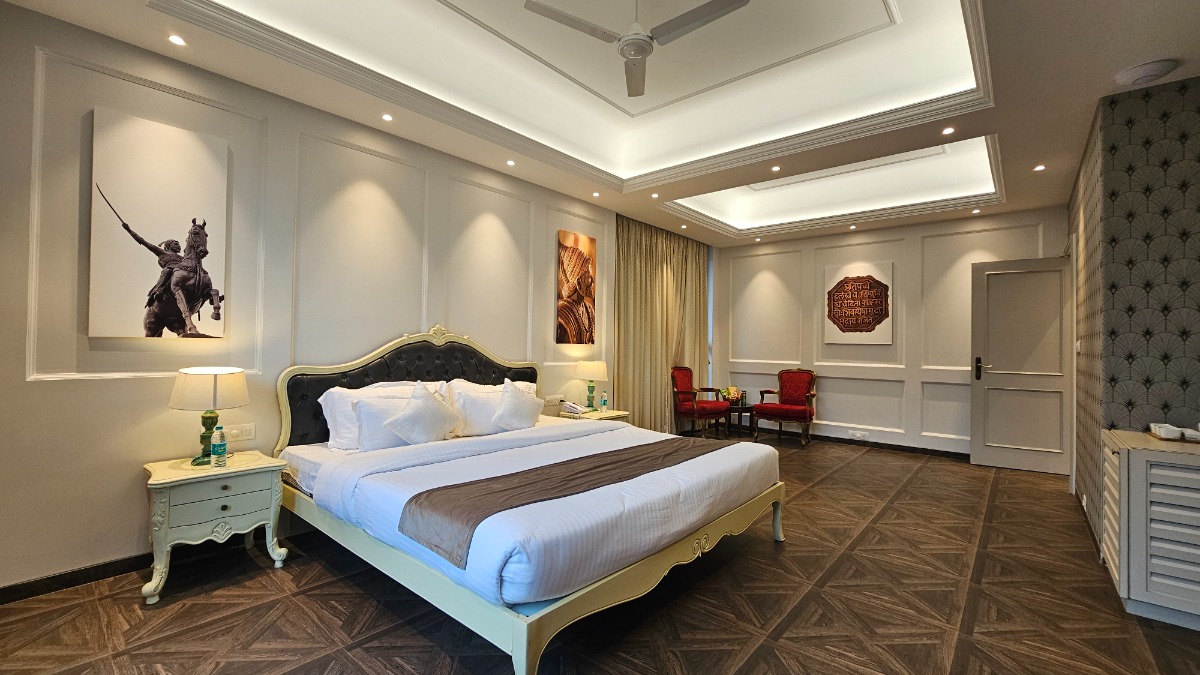
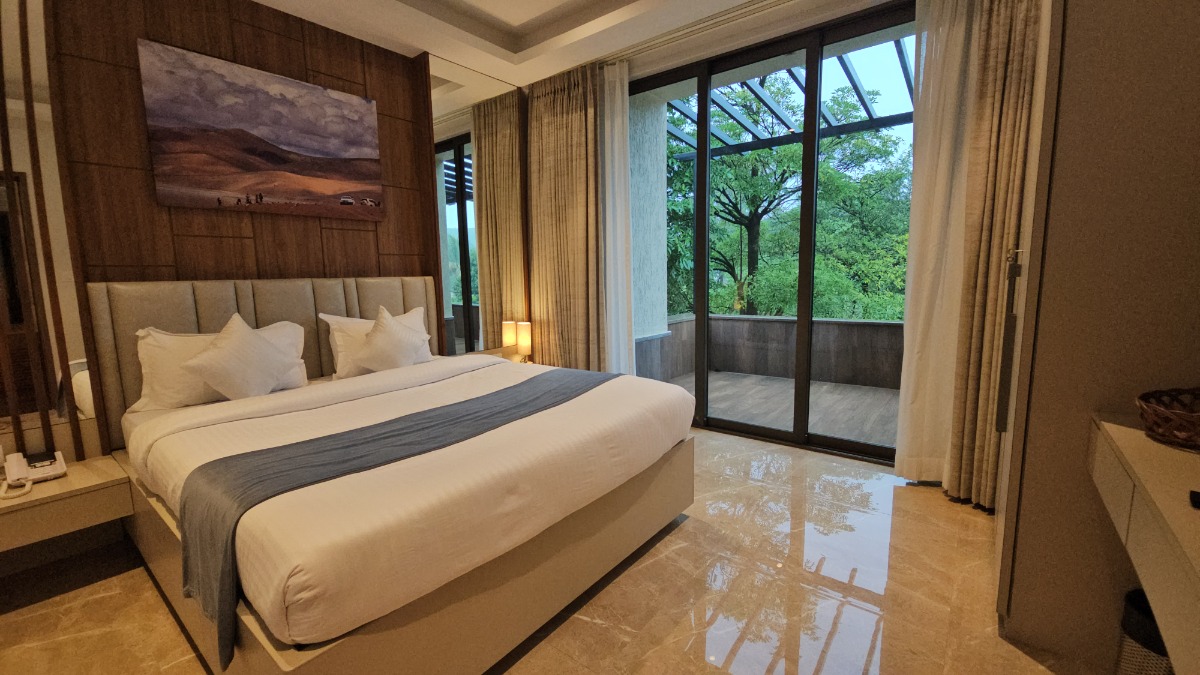
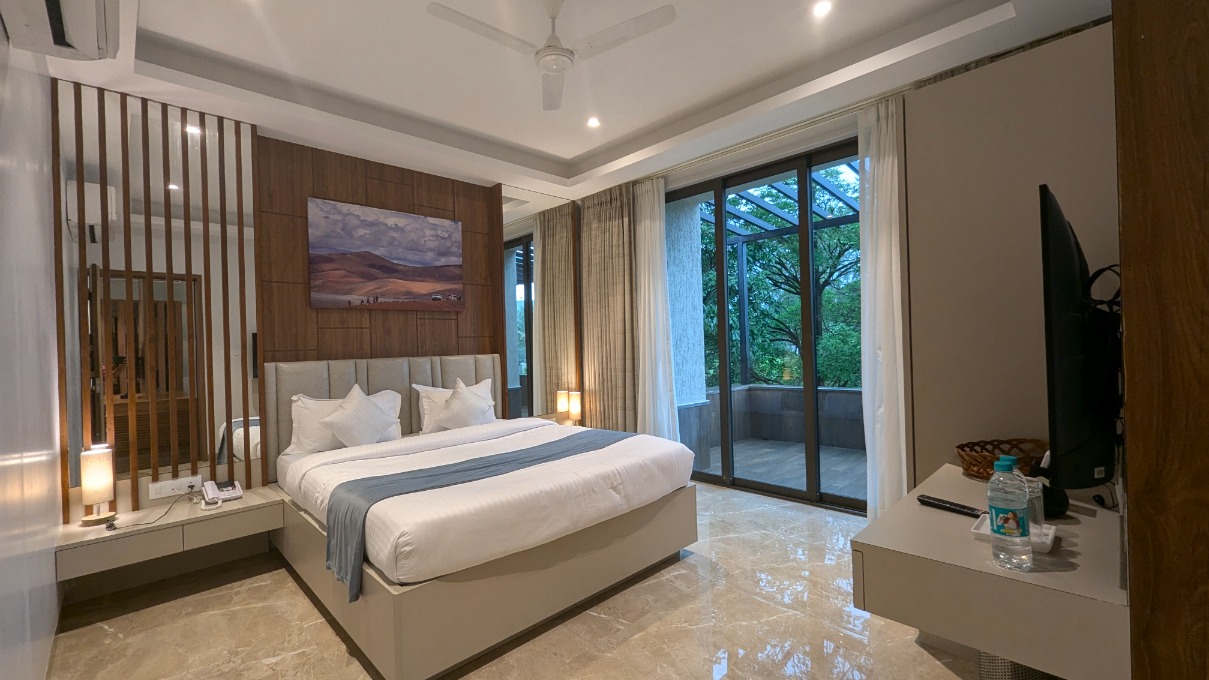
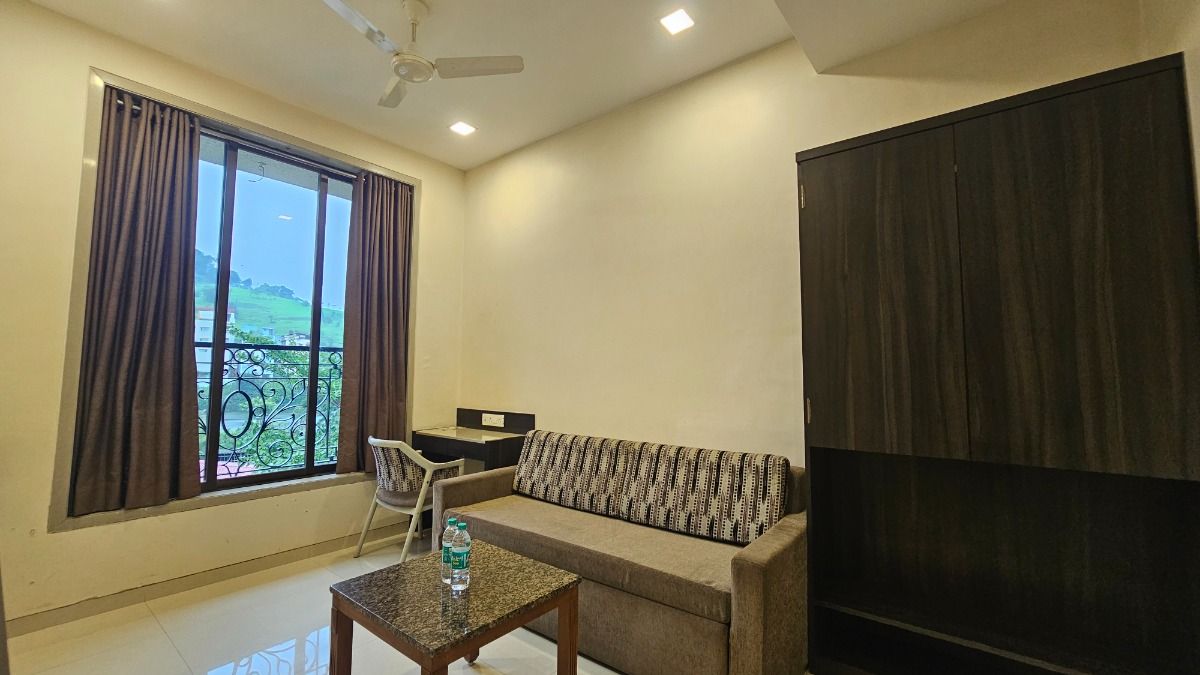
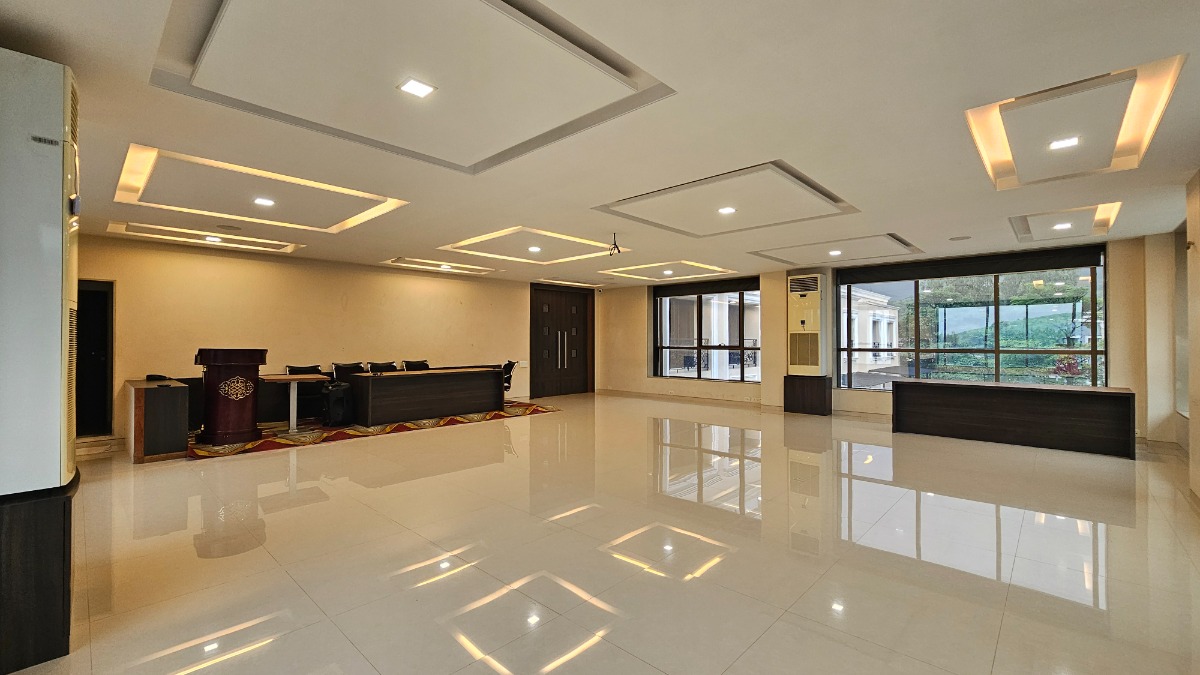
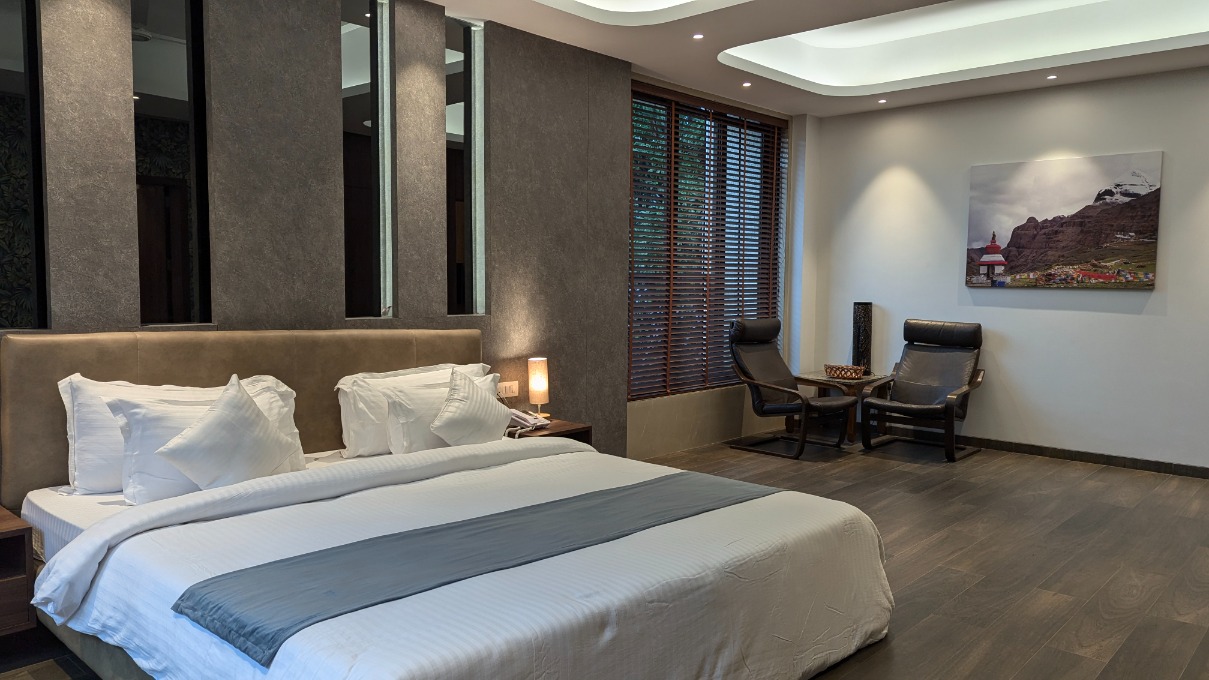
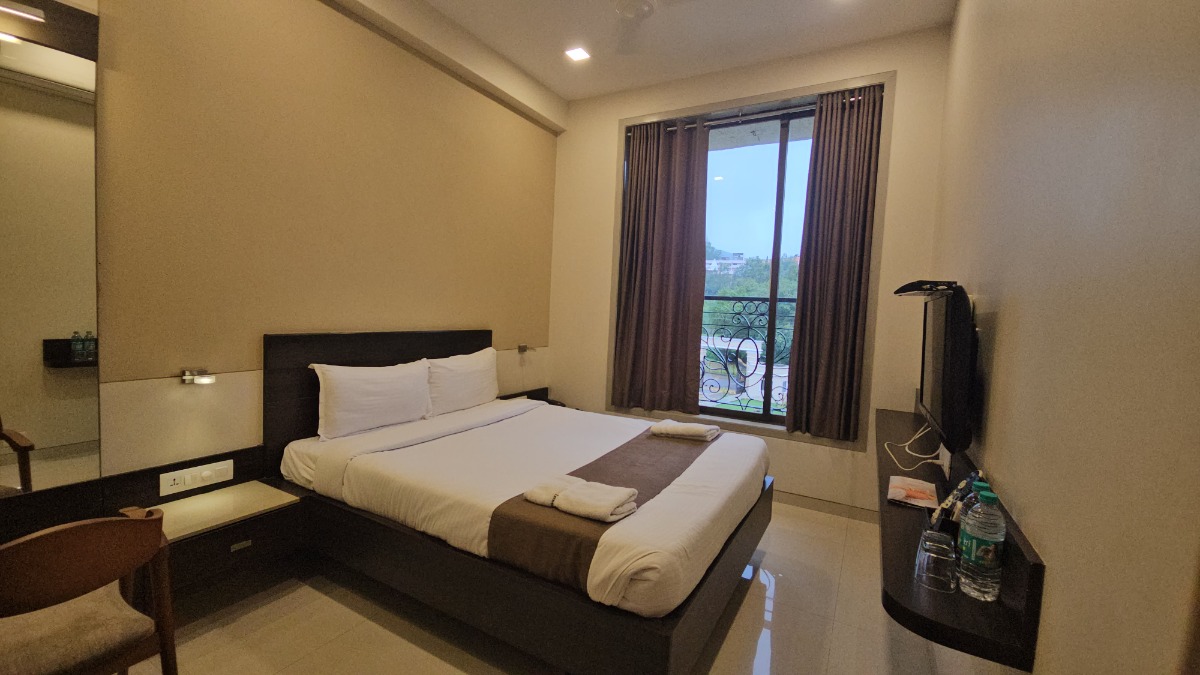
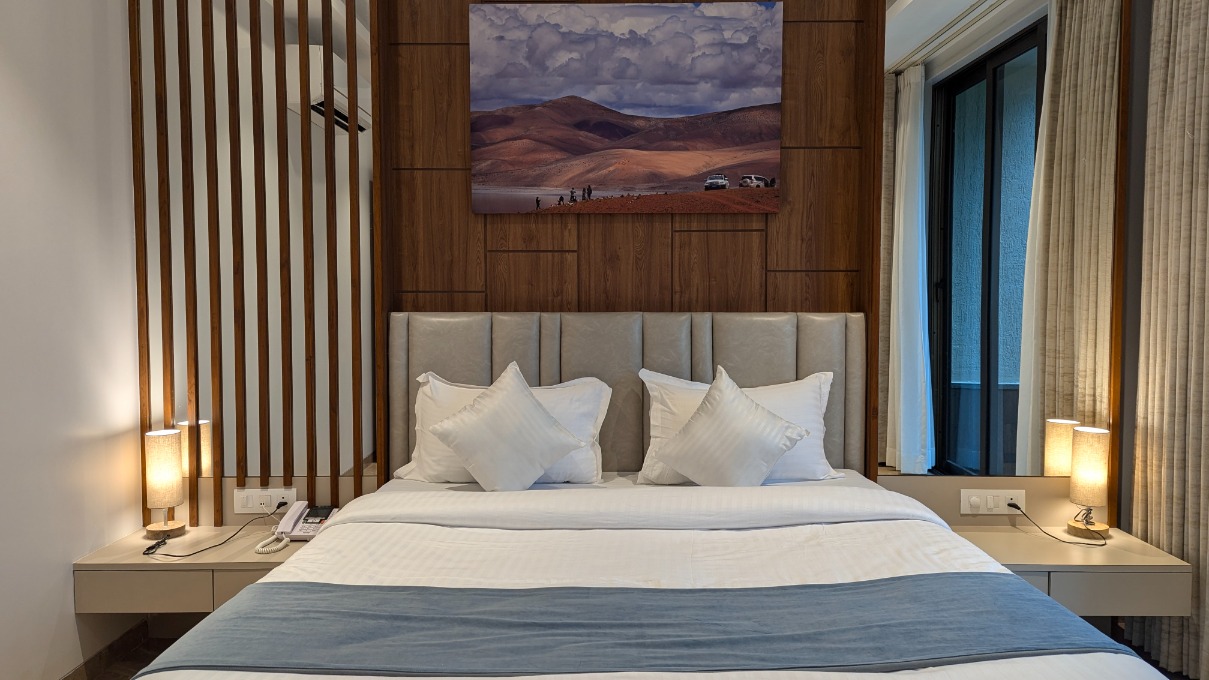
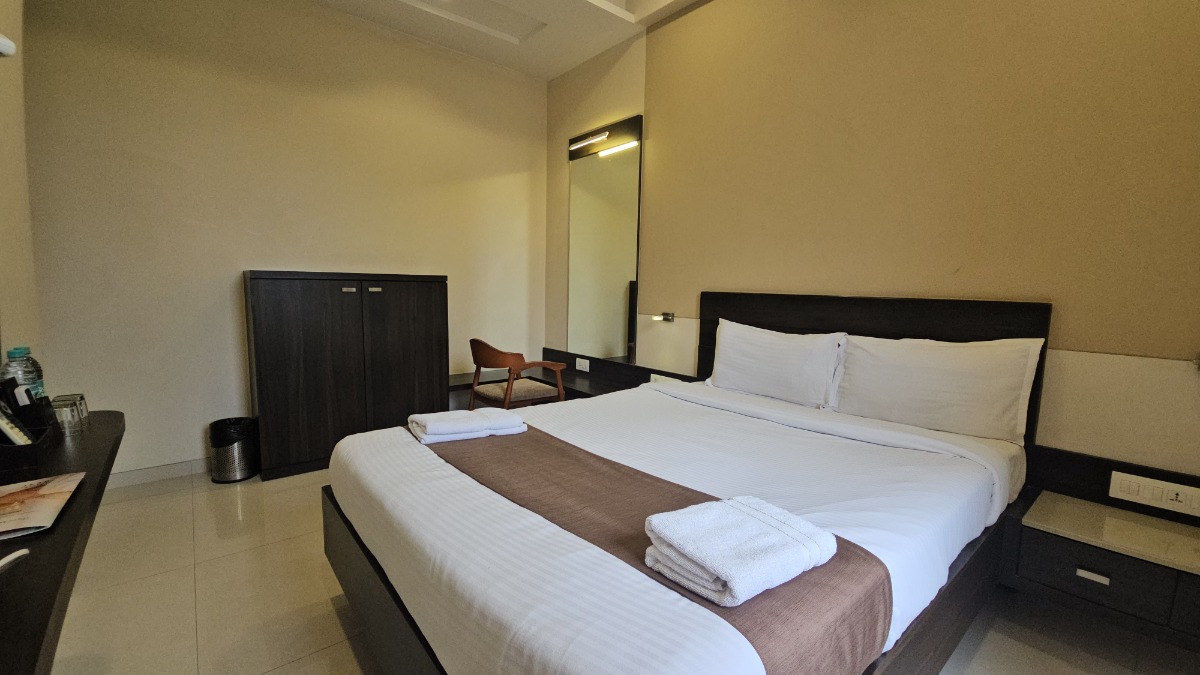
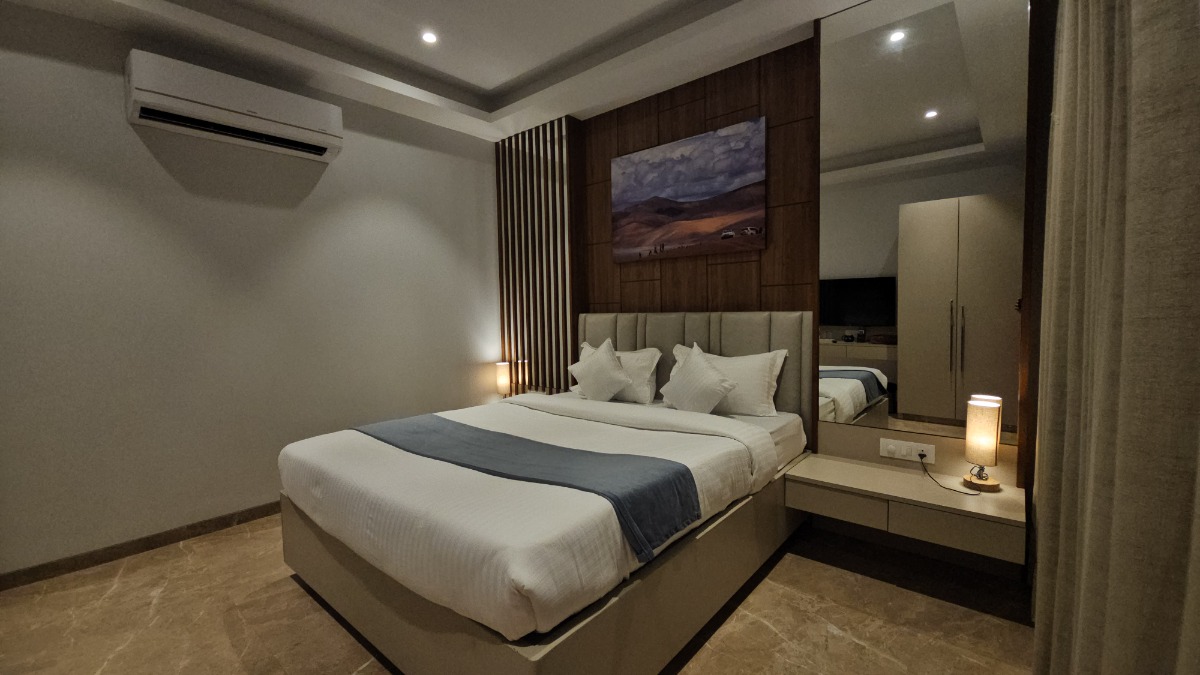
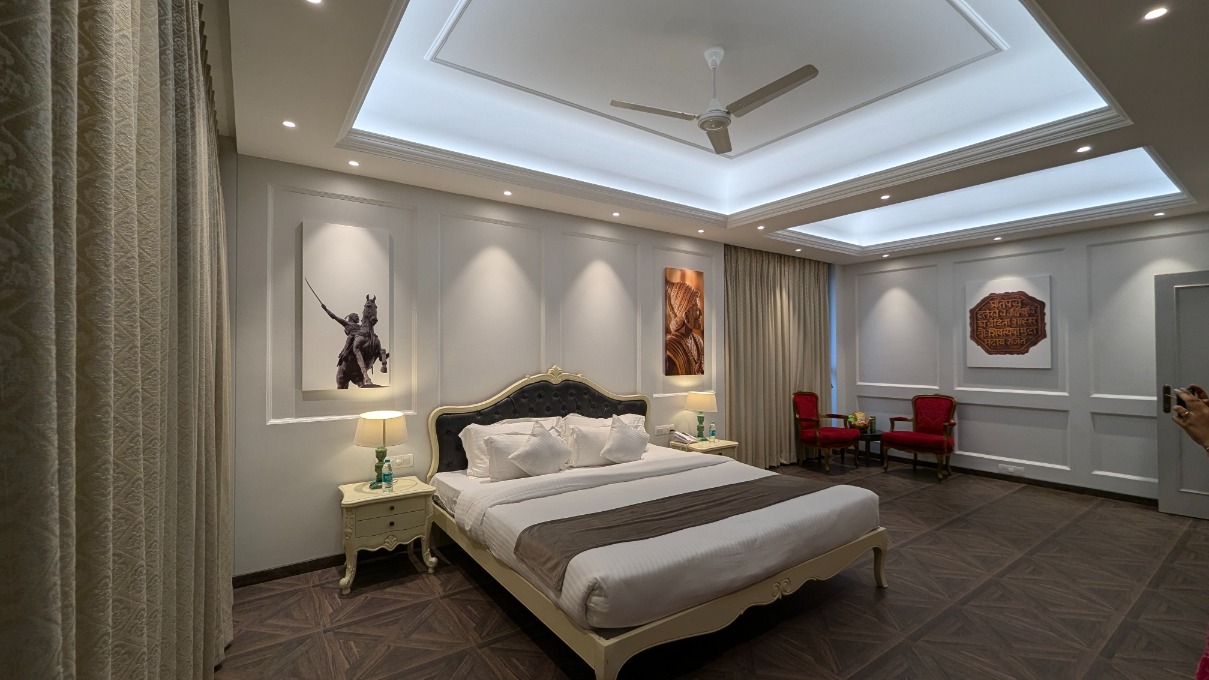
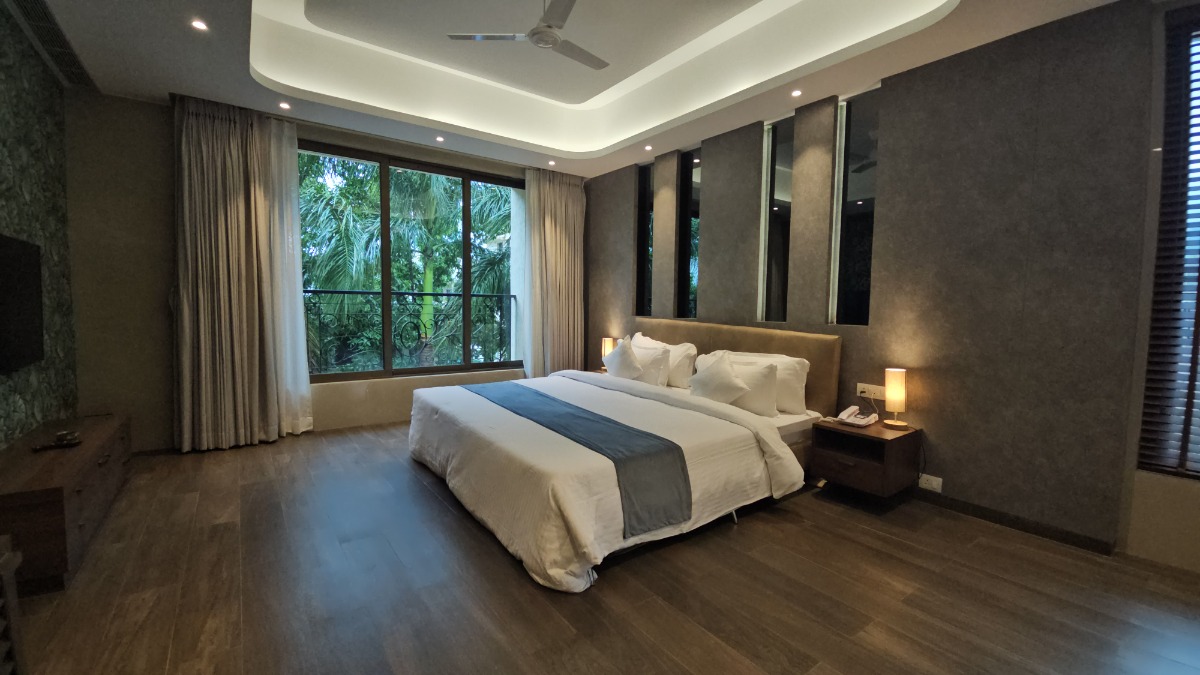
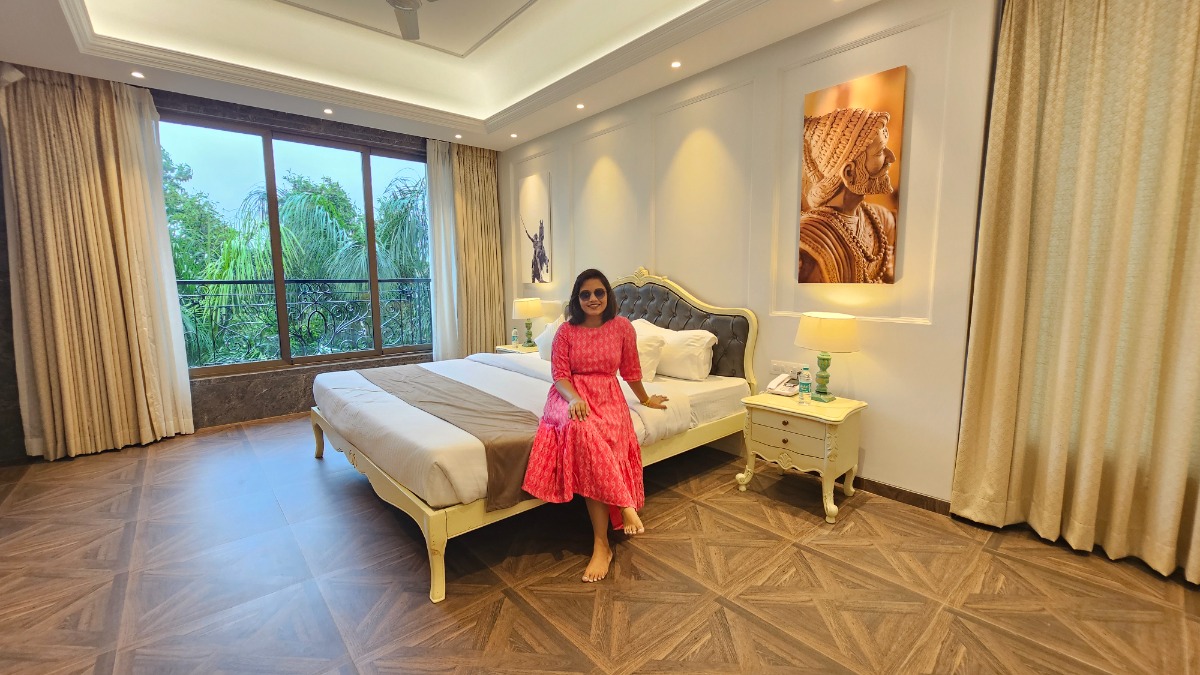
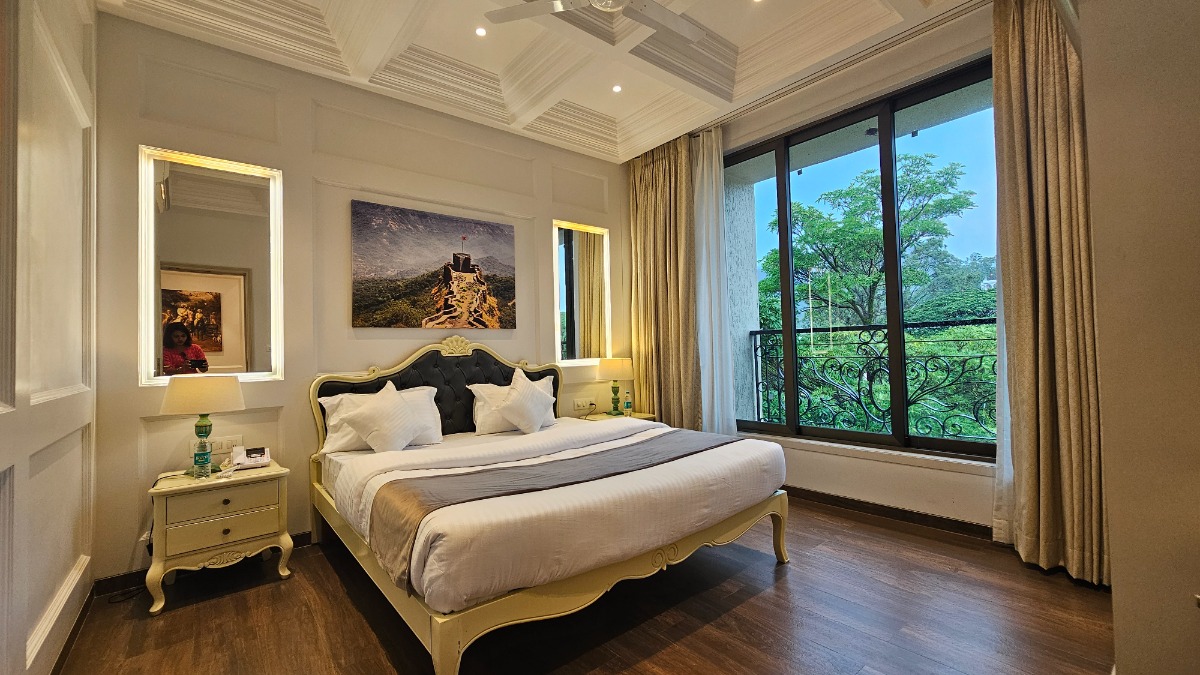
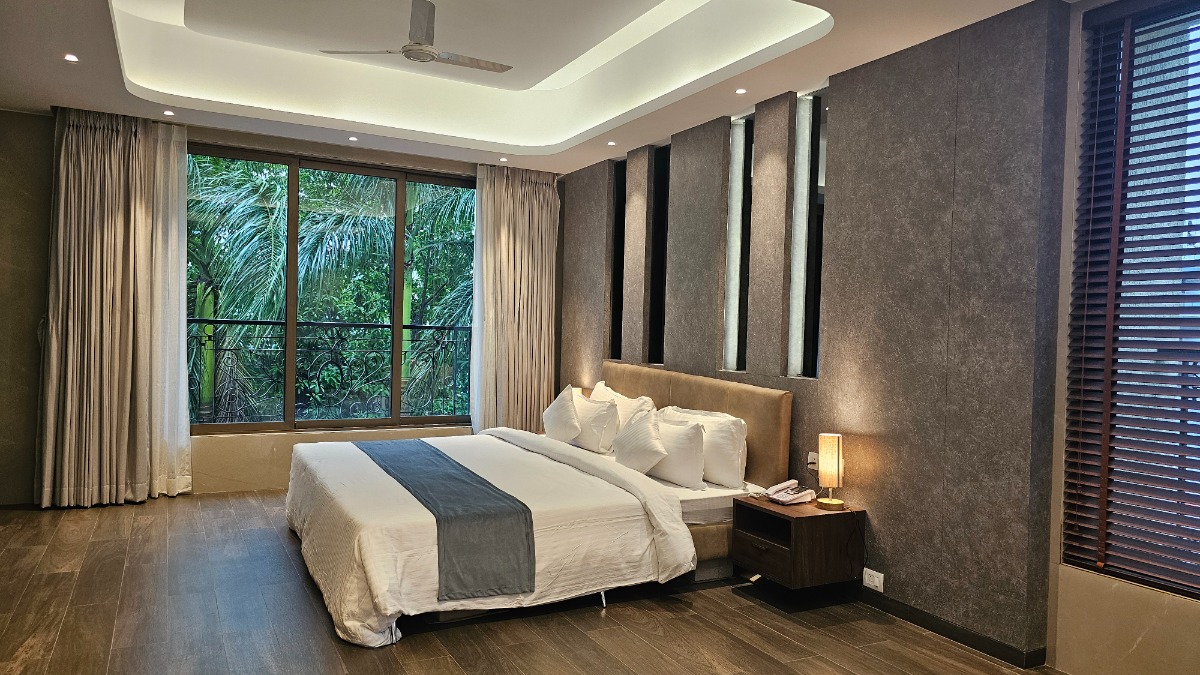
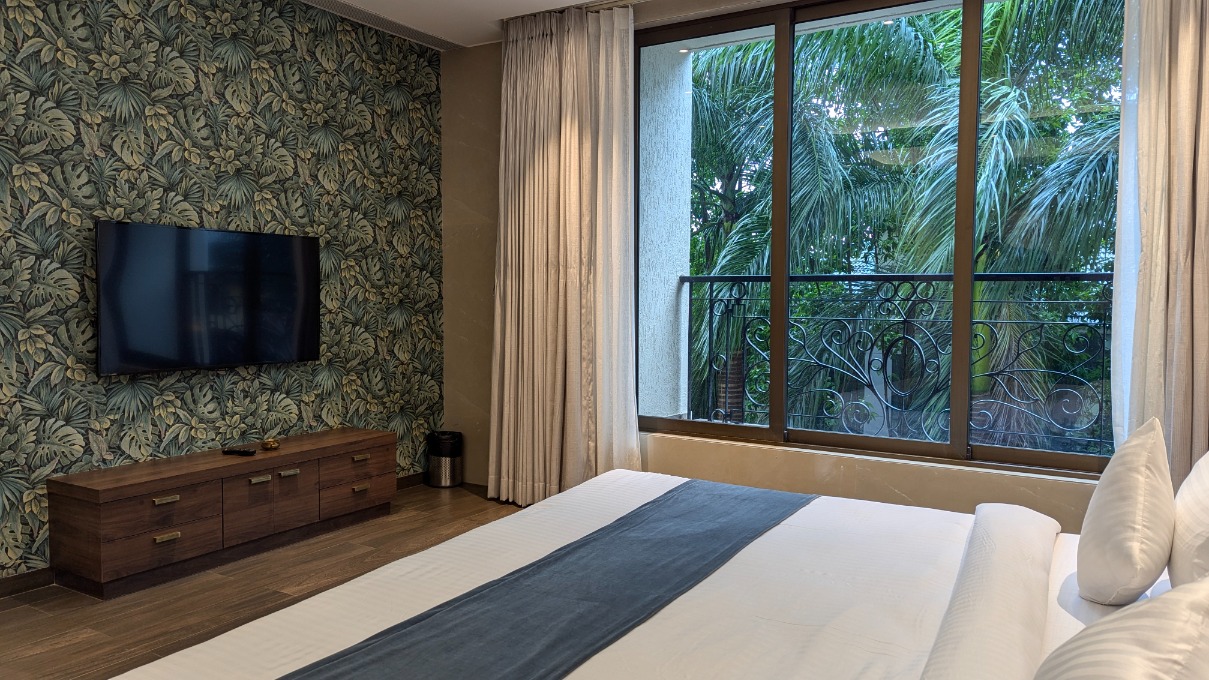
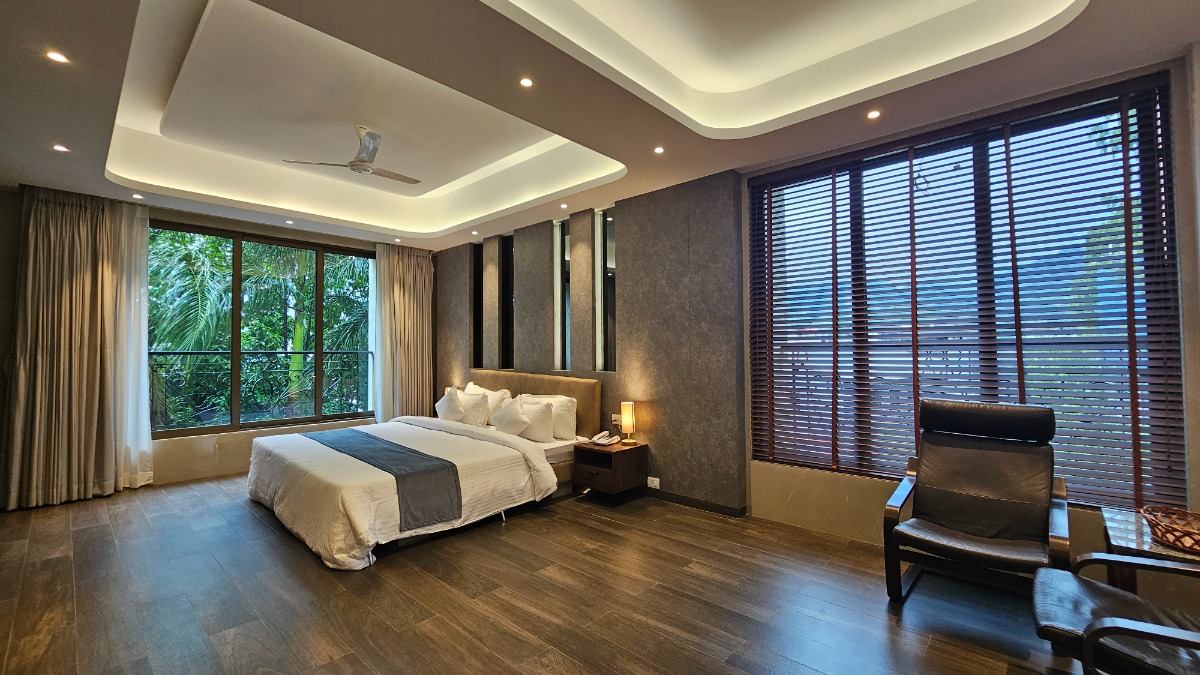
Rooms Deluxe Room No Images.Please upload images in images manager section. Click on Manage Images button on the right side of the gallery settings. Super Deluxe No Images.Please upload images in images manager section. Click on Manage Images button on the right side of the gallery settings. Terrace Suite No Images.Please upload images in images manager section. Click on Manage Images button on the right side of the gallery settings. Family Room No Images.Please upload images in images manager section. Click on Manage Images button on the right side of the gallery settings.